

Have you ever launched a site and wondered why organic traffic didn’t show up as expected? When SEO in website design is an afterthought, fixes become expensive and slow. Start with design-phase SEO so your site is indexable, fast, and aligned with user intent from day one.
This article gives a stage-by-stage checklist that maps tasks to discovery, wireframes, visual design, development, and launch. You’ll get specific deliverables to hand designers, quick-win priorities for small teams, and short pre-launch tests owners can run without advanced tools. Read on to learn practical steps you can apply today to make website seo design part of every build.
✓ Quick Answer
SEO in website design means building and structuring a site so search engines and users can find, understand, and use its content. Focus on site architecture, mobile performance, metadata, and content structure during design to improve indexing, user engagement, and organic rankings from launch onward.

Before any wireframes, define the pages that will drive revenue and visits. Pick 3–6 primary keywords or keyword themes for top-level pages and match user intent: informational, transactional, or local. For example, a local bakery could map: “bakery near me”, “custom wedding cakes”, “cupcake delivery [city]”, and “coffee and pastries” to specific pages.
Structure the URL paths and main navigation to reflect those themes: /wedding-cakes/, /cupcakes/, /locations/your-city/. Create a simple sitemap and a keyword-to-page map to hand to designers so wireframes show the right content hierarchy. Deliverables: sitemap (XML + visual), keyword map, and sample page outlines for each template.
💡 Pro tip: Start your sitemap with the top 3 revenue-driving pages and map 2–3 supporting blog topics to each; this focuses design and content on high-impact pages.
Quick wins in discovery: prioritize templates for high-converting pages, require editable meta fields in CMS templates, and include clear CTAs so designers don’t hide conversion elements. If you offer services, add location pages only when you can support them—each location is a long-term content commitment.

Design choices drive real SEO outcomes. Start with mobile-first breakpoints, then limit heavy visual elements that delay rendering. Use responsive images, prefer compressed modern formats, and pick type systems that don’t load large font files on every page. Simple rules at design time save development effort later.
⚠️ Warning: Avoid hero sliders and auto-playing media — they often inflate page weight and harm mobile speed and Core Web Vitals.
Practical design rules: limit hero image sizes to under 200 KB where possible, avoid loading third-party scripts in the header, and use CSS animations over heavy JavaScript. Run mobile emulation in the browser and a Lighthouse check during design reviews to catch obvious problems early. If you need external fonts, subset glyphs and load only what’s needed.
Accessibility and semantic HTML matter for SEO and for users. Designers should specify heading hierarchies, form labels, keyboard focus order, and ARIA roles where appropriate. These items should be in the handoff so developers don’t guess structure during build.
Design templates should enforce a logical H1-H3 structure. Each page template needs one H1, clear H2 sections, and H3s for subtopics. For CMS templates, reserve editable fields for the H1, an intro paragraph, and a content block so editors don’t accidentally remove headings in the visual editor.
💡 Pro tip: Build CMS templates with editable meta title/description fields and enforce alt-text as a required field for image uploads to prevent missing metadata.
Sample title tag template for a service page: “Service Name — City | Brand Name” (keep under ~60 characters). Meta description example: “Get professional Service Name in City. Same-week appointments, transparent pricing, and great reviews. Book a consult.” Aim for 120–155 characters and a clear call to action.
Image best practices for design handoffs: use descriptive file names (bakery-wedding-cake.jpg), include concise alt text that describes the image function, and export multiple sizes to support responsive srcset. Designers should include exact image dimensions in the spec to avoid layout shifts during development.
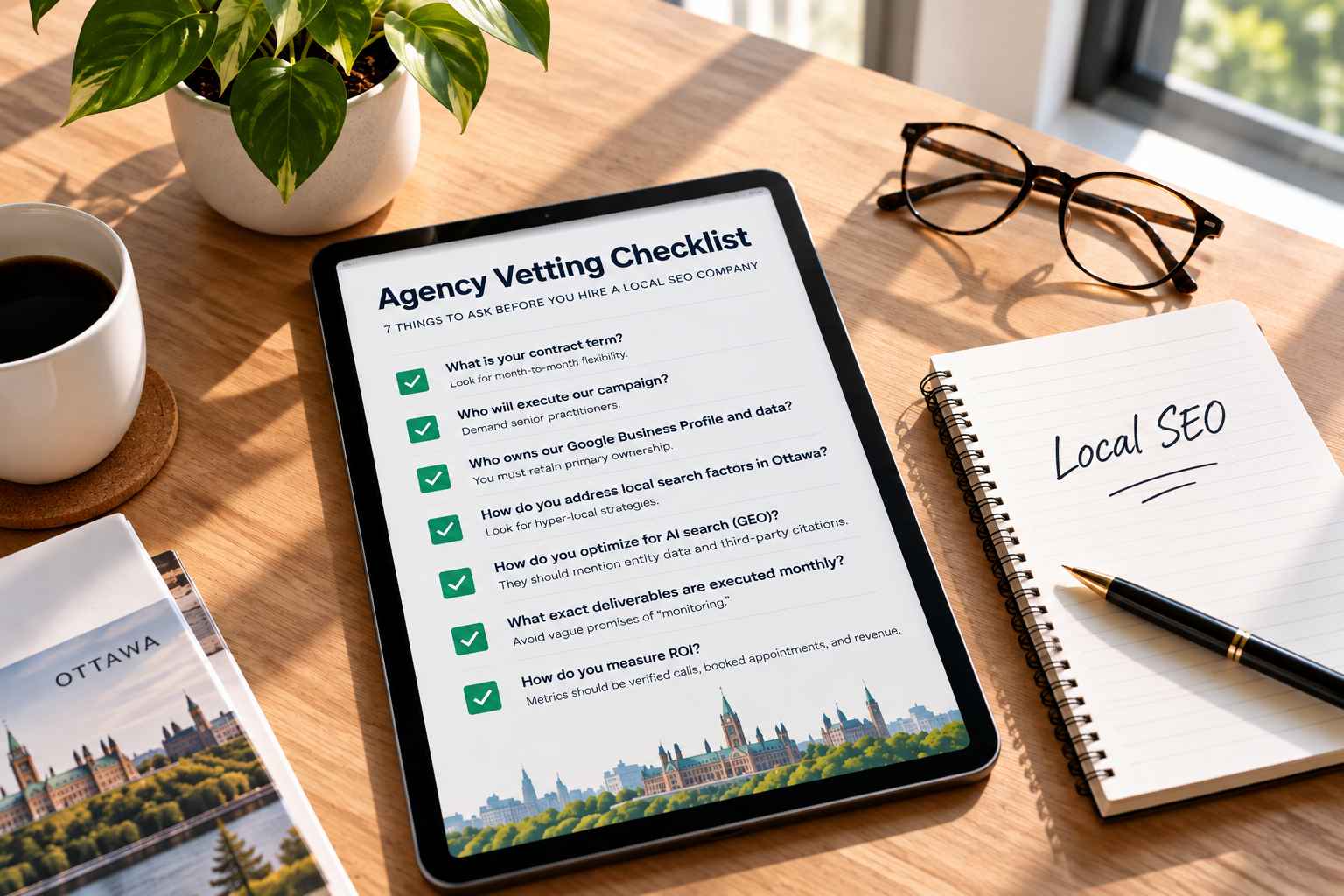
Make content editor checklists: required H1 present, meta title filled, meta description filled, featured image alt text present, and internal links added to at least two relevant pages. If you need help implementing content strategy, our SEO Services page explains common deliverables and roles.

The final handoff must include specific technical items so your site is discoverable at launch. Share a robots.txt, an XML sitemap URL, canonical tag strategy, and a redirect plan for any changed URLs. Developers should add structured data where it makes sense, for example LocalBusiness, Product, or Article schema.
Prioritized pre-launch checklist for owners and developers: 1) make the site indexable and submit sitemap, 2) verify mobile rendering and speed targets, 3) connect analytics and Search Console, and 4) test redirects from old URLs. These items ensure discovery and measurement from day one.
📌 Key takeaway: Prioritize indexability, mobile performance, and analytics verification at launch — other SEO improvements can follow, but these ensure discoverability from day one.
Get a handoff-ready checklist and a quick pre-launch review so your site is discoverable and fast from day one.
Quick answers to common questions about SEO in website design.
SEO in website design is the practice of planning and building site structure, content, and technical elements so search engines can find and rank pages. Designers should consider architecture, mobile experience, metadata, and basic technical signals. Start by mapping 3–5 priority pages and their target keywords, then include that mapping in the design brief to guide templates and navigation.
Start with keyword research, map keywords to pages, ensure on-page tags and images are optimized, and fix technical issues that block crawling. During design, set title and meta fields, optimize image exports, and confirm responsive layouts. For a quick next step, run a basic site crawl or ask for a pre-launch review that checks indexability, mobile rendering, and redirects.
The 80/20 rule in SEO notes that roughly 80% of results often come from 20% of effort or pages. In design, prioritize the top converting pages, core service templates, and speed fixes that affect most users. For design teams, focus first on the handful of templates that will generate the most traffic and conversions.
The four pillars are technical SEO, on-page/content, user experience, and authority (off-page). During design, technical means crawlability and schema, on-page covers headings and metadata, UX is mobile and speed, and authority is content that earns links. At launch, verify a checklist item for each pillar to cover essential bases.
Follow five steps: discovery/keywords, structure/wireframes, design/performance, development/technical, and launch/monitoring. Designers should map keywords to templates in discovery, set responsive rules during visual design, and include metadata fields in templates. Your first task: map keywords to page templates so design and content align from the start.