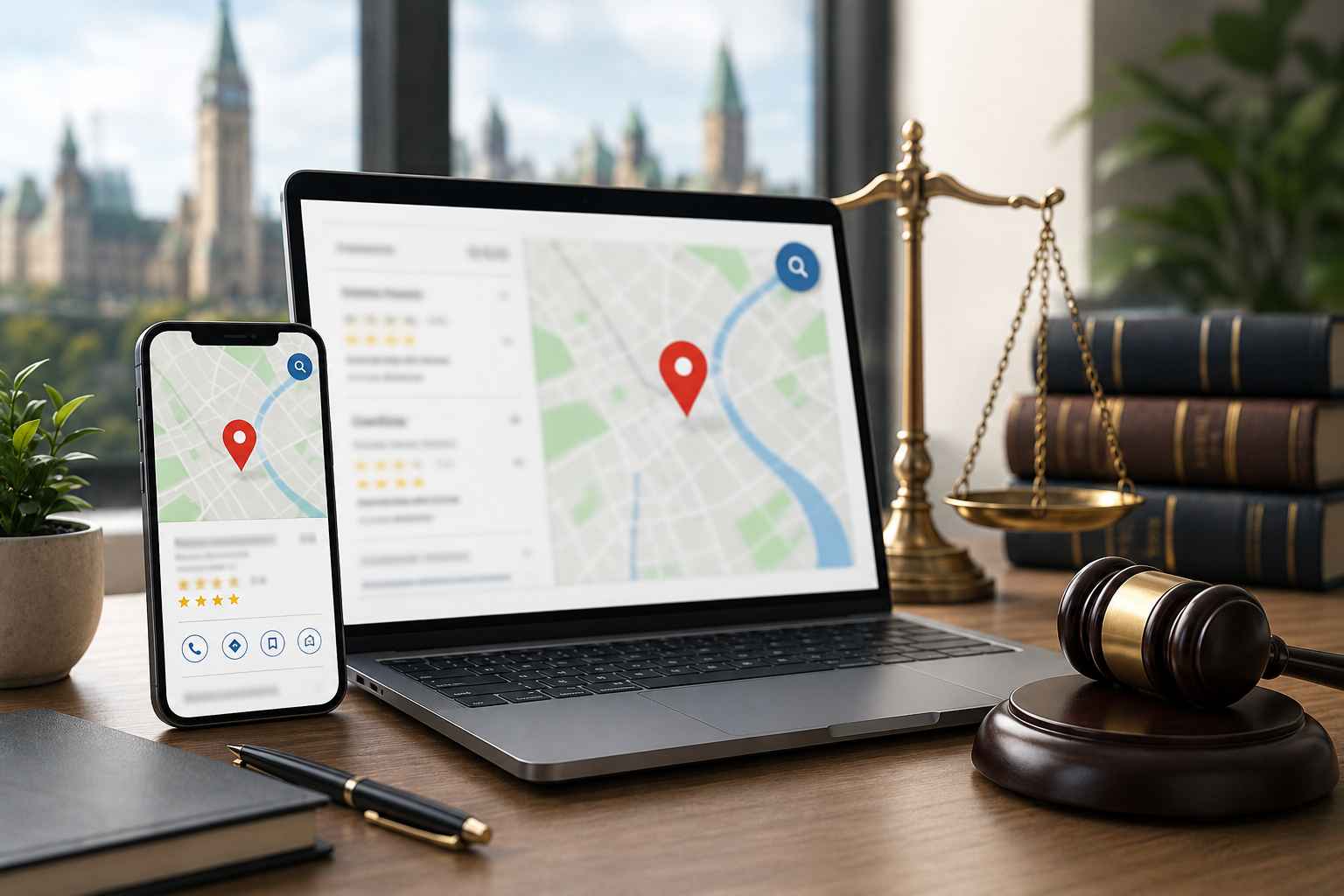

Ranking on Google Maps comes down to how active, accurate, and trusted your profile looks to Google. Most businesses set it once and forget it. The ones that rank treat it as an ongoing marketing channel that gets updated consistently.
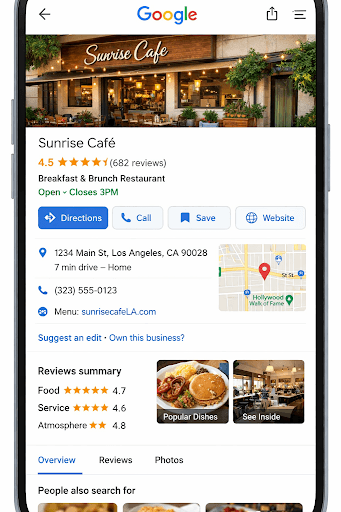
Make sure your profile is fully verified, and your business name matches your real-world branding exactly. Avoid adding extra keywords to your name, as this can lead to suspensions. Your primary category should reflect your main service, with a few supporting categories added to reinforce what you offer.
Your business description should clearly explain what you do, where you operate, and why customers choose you. Keep it natural, but include your main service and location. Add all services individually with short descriptions. This helps Google understand your offerings and improves visibility for specific searches.
Profiles that update regularly outperform inactive ones. Add new photos, publish short posts, and keep your listing fresh. Focus on real work such as completed jobs, before-and-after images, or quick updates. This signals to Google that your business is active and relevant.
Consistent reviews are one of the strongest ranking factors. Focus on getting reviews steadily rather than in bursts. Respond to every review and naturally mention your service and location when appropriate. This reinforces relevance and builds trust with potential customers.
The Q&A section is often overlooked. Add common questions yourself and answer them clearly. This helps control messaging and adds keyword-rich content directly to your profile.
Your name, address, and phone number should match across your website, directories, and social profiles. Inconsistencies weaken trust signals and can impact rankings. You can use tools like BrightLocal or Whitespark to check and manage listings.
Your website and Google Business Profile work together. Make sure your site has clear service pages, location relevance, and fast load speeds. When both are aligned, rankings improve significantly.
Review your insights regularly. Look at calls, clicks, and direction requests. If you see impressions but low clicks, adjust your description, photos, or posting frequency. Small changes over time lead to better results.
Consistent updates, strong reviews, accurate information, and real engagement matter more than one-time optimization. Businesses that stay active always outperform those that don’t.
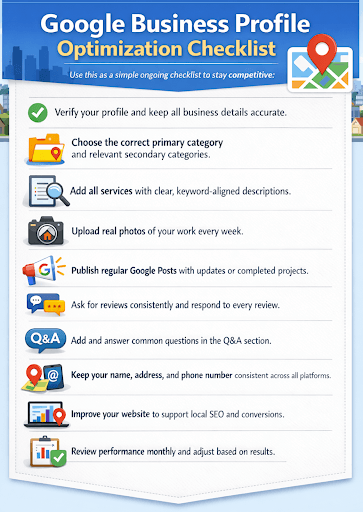
Use this as a simple ongoing checklist to stay competitive:
If your listing is not ranking or you want to improve visibility and lead flow, you can get help here: Contact
How do I rank higher on Google Business Profile?
Keep your profile active with regular updates, get consistent reviews, use accurate categories, and ensure your business information matches across all platforms.
How often should I update my Google Business Profile?
At minimum, update your profile once per week with photos, posts, or small changes. Active profiles tend to rank higher than inactive ones.
Do reviews really impact Google Maps rankings?
Yes. Reviews are one of the strongest ranking factors. The number of reviews, frequency, and how you respond all influence your visibility.
What is the most important part of Google Business Profile optimization?
Your primary category, consistent business information, and ongoing activity are the most important factors for ranking and visibility.
Can I add keywords to my business name to rank higher?
No. Adding keywords to your business name can lead to suspension. Your name should match your real-world branding.
Does posting on Google Business Profile help SEO?
Yes. Regular posts signal activity and can improve visibility, especially when combined with strong reviews and updated content.
Why is my business not showing on Google Maps?
Common reasons include incomplete verification, inconsistent business information, lack of activity, or strong local competition.