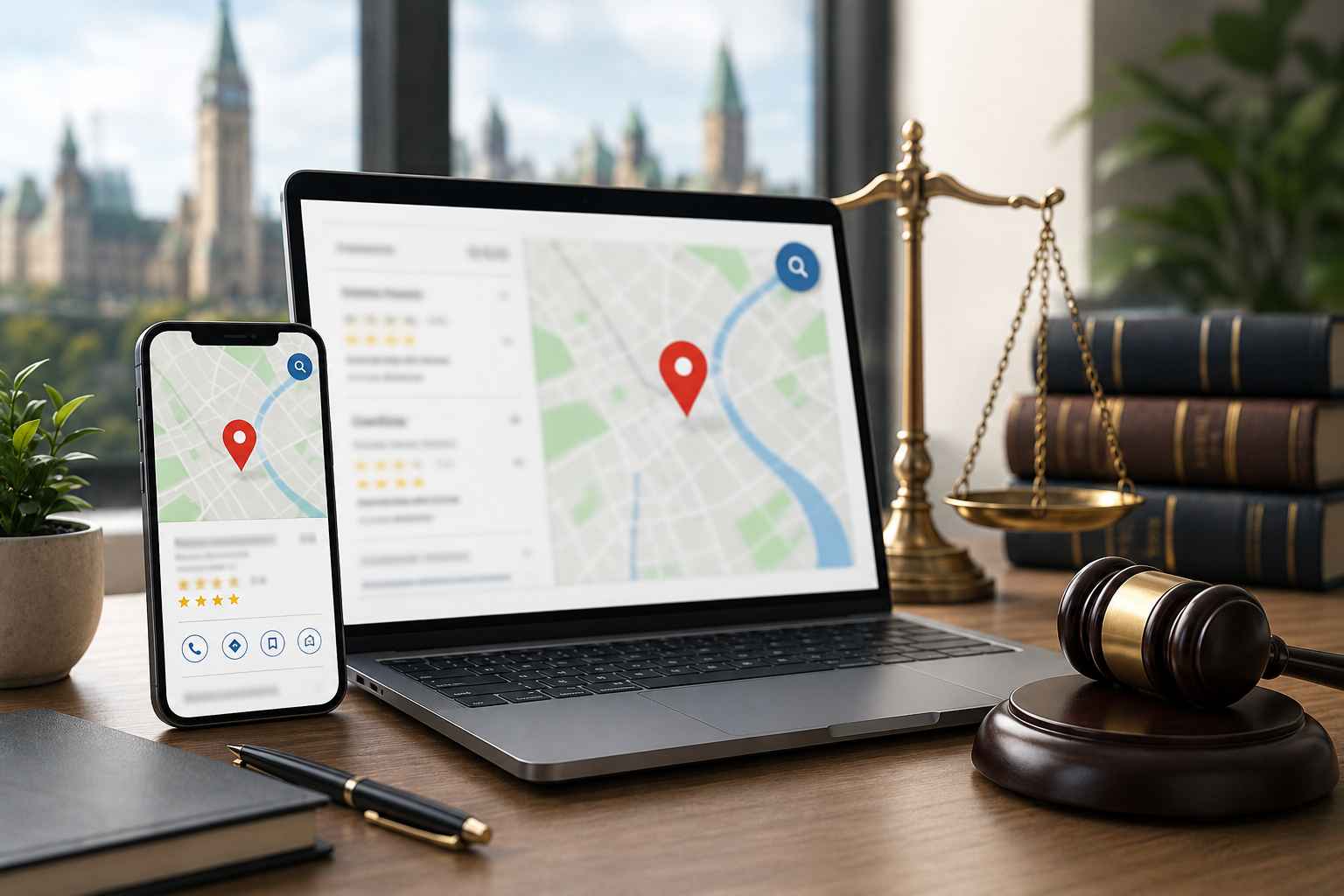


If your business is not appearing on Google Maps, it usually comes down to an incomplete or unverified profile, weak local signals, or poor optimization. Fixing your Google Business Profile setup and consistency issues is the fastest way to start showing up.
Many businesses think they are “on Google” because they have a website, but they never fully complete how to create a google profile for business.
If your profile is missing key details like:
Google will not prioritize it in map results.
Quick Fix
Make sure your profile is 100 percent filled out with accurate information.
If you skip or fail Google Business Profile Verification, your listing will not rank. It may not even appear at all.
Verification confirms to Google that:
Quick Fix
Complete verification via postcard, phone, or video. No verification = no visibility.
This is one of the most overlooked issues.
If you are a roofing company but choose “contractor” instead of “roofing contractor,” you lose relevance.
Google heavily relies on category selection to decide when to show your business.
Quick Fix
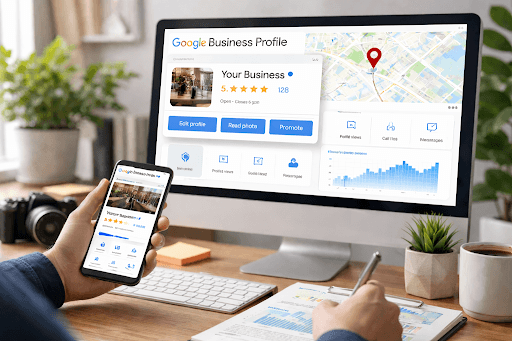
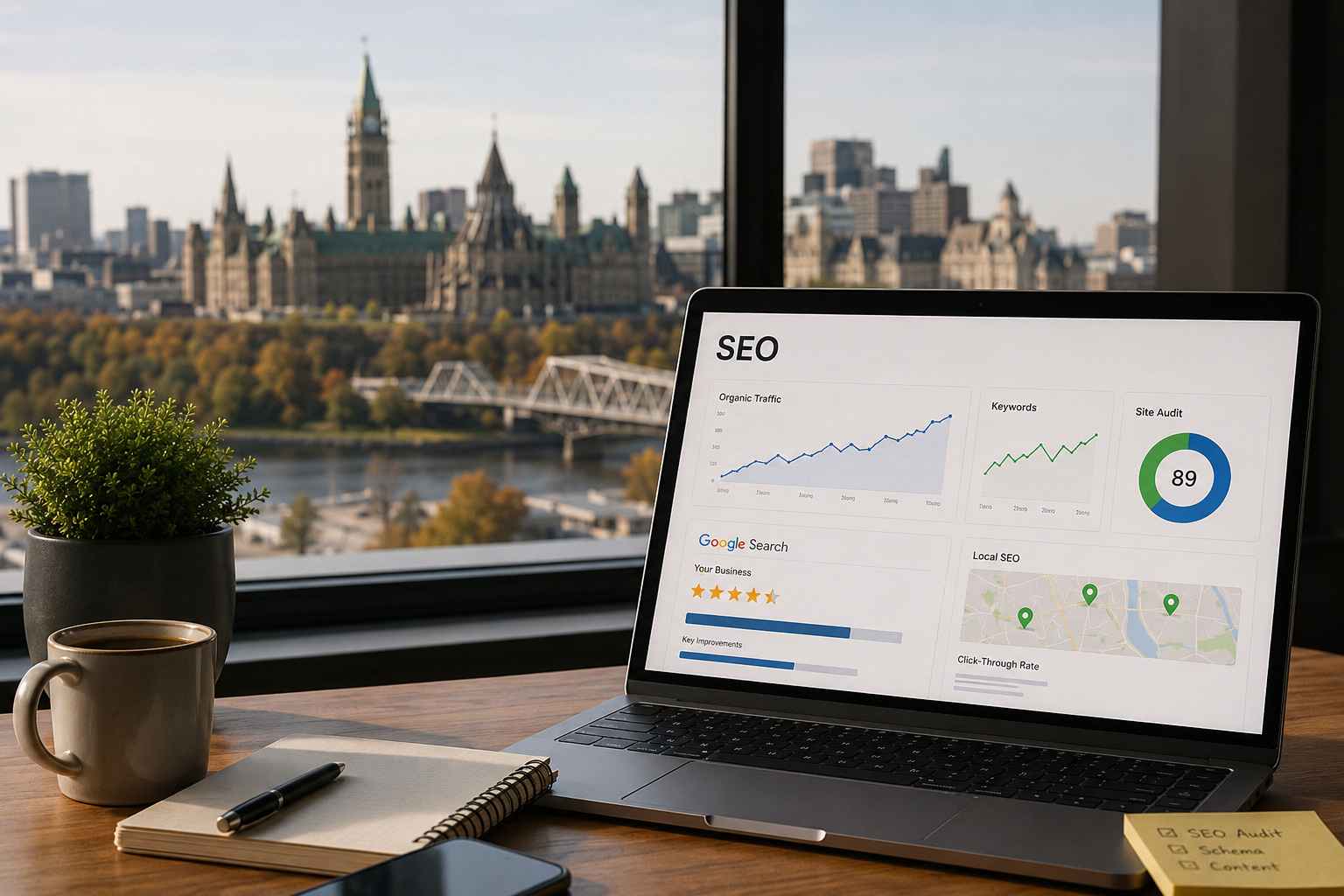
Your website supports your Google Maps rankings more than most people realize.
If your website:
Your map rankings suffer.
This is where strong on-site SEO and internal linking matter. For example, linking your services to a page like SEO Services helps reinforce your authority.
Google wants to show businesses that people trust.
If your competitors have:
…and you have none, you will not show.
Quick Fix
If your listing is missing or incomplete, start here.
Search your business name on Google. If nothing appears, click “Add your business.”
Include:
Choose a verification method:
Without this step, your listing will not show.
Fill out:
Once verified, your listing can start appearing, but optimization is what drives rankings.
Setting it up is step one. Ranking is step two.
Mention Ottawa naturally in:
Do not keyword stuff; just make it clear where you operate.
Profiles with consistent photo uploads perform better.
Examples:
This is an easy win that most businesses ignore.
Post:
This signals activity and improves visibility.
Your business name, address, and phone number must match across:
Inconsistency confuses Google and hurts rankings.
Not just quantity, but frequency matters.
A steady flow of reviews is stronger than getting 20 at once and then nothing.
Updating your listing is critical as your business evolves.
These can trigger suspensions or ranking drops.
If you want a fast action plan, start here:
A local contractor in Ottawa came to us with zero map visibility.
Issues:
After fixing:
They started showing in Maps within weeks.
This is common. Most businesses are not invisible because of competition. They are invisible because of setup issues.
Your Google profile does not work alone.
You need:
For example, pairing your profile with a page like Local SEO Company creates stronger signals and improves both Maps and organic rankings.
If you have:
You likely need a deeper strategy.
That includes:
👉 If you want this handled properly, you can check out Google My Business Management.
It can take time, but usually it is due to weak optimization, wrong categories, or a lack of authority signals like reviews and website relevance.
After verification, it can take a few days to a few weeks. Ranking improvements take longer depending on the competition.
You can appear without one, but a website significantly improves your chances of ranking higher.
Only if you have legitimate separate locations or service areas. Duplicate listings can hurt rankings.
At minimum:
Relevance, distance, and prominence. Reviews, categories, and website strength all influence these.
If your business is not showing, do not overcomplicate it. In most cases, fixing your setup and consistency issues will move you faster than any advanced tactic. Get in touch and we can do an audit on your Google Business Profile today.