

Imagine a small bakery in town: great cupcakes, a handful of loyal customers, but almost no search visibility. The difference between a site that gets orders and one that sits idle often comes down to having the best website SEO paired with the right platform and a short, focused to-do list.
This guide shows a business-size scorecard that matches platforms to your budget and skill, a compact toolset you can afford, and a step-by-step on-site checklist you or a contractor can follow. Read on to pick the best SEO for website needs and leave with a plan you can start this week.
✓ Quick Answer
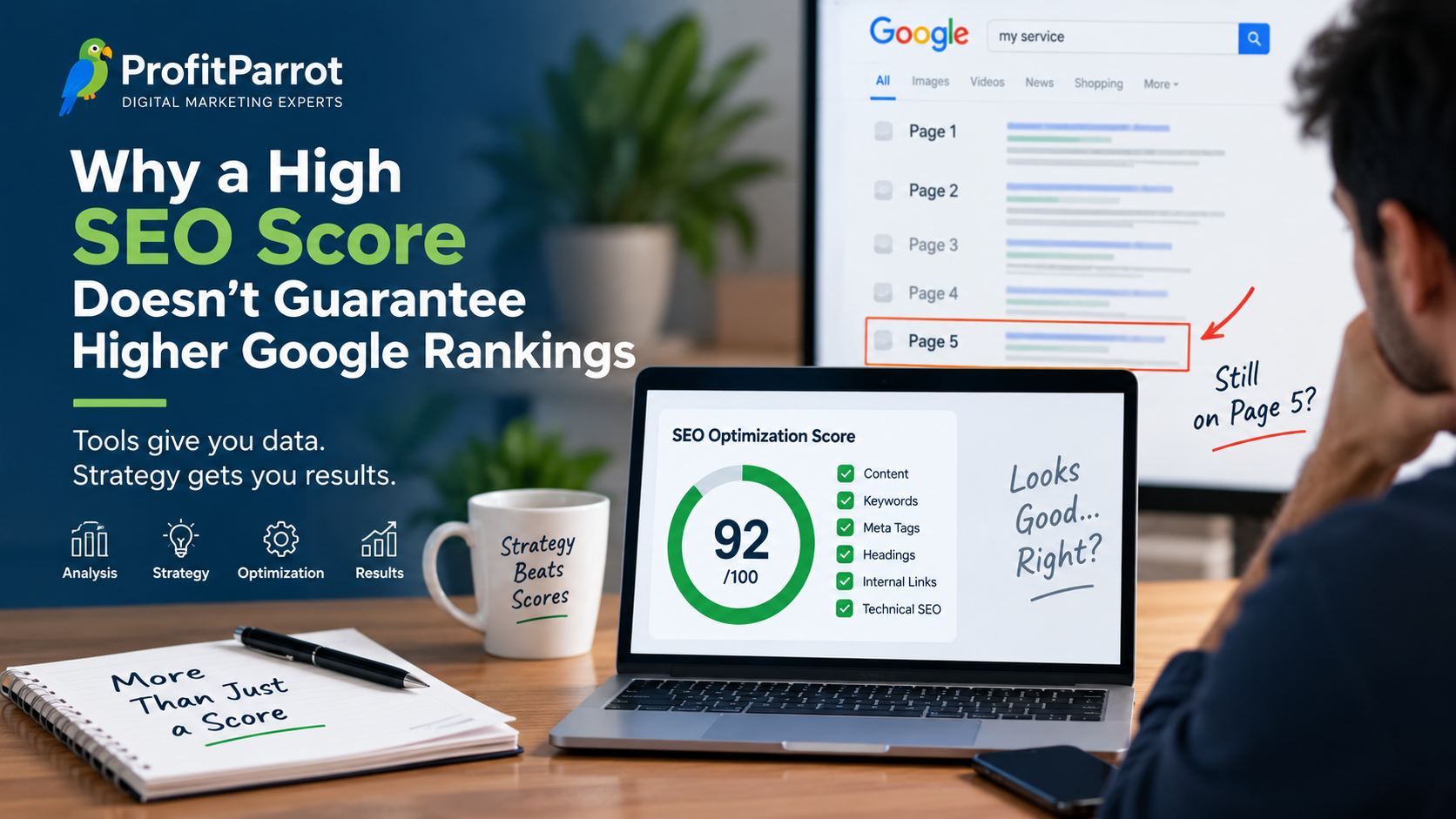
The best website SEO prioritizes a fast, mobile-friendly CMS (like WordPress or Webflow), solid on-site technical fixes (speed, structured data, clear site architecture), and a consistent content + internal linking plan. Prioritize speed, crawlable structure, and targeted content to see measurable ranking gains within months.

Choose a platform based on three things: your traffic and e-commerce goals, how much you can pay monthly, and the technical skill available to maintain the site. A local plumber with steady calls and limited time will pick differently than a fast-growing online shop.
💡 Pro tip: If you lack dev resources, prioritize managed or hosted platforms and invest saved time into content and local citations—this yields faster ROI than DIY technical overhauls.
Quick trade-offs: WordPress gives maximum control and plugins for advanced SEO but needs maintenance; Webflow produces clean code and fast pages with visual design, and it fits teams that can edit visually; Squarespace and Wix are simple and low-maintenance but can limit advanced tweaks; Shopify is tuned for stores and has SEO apps but hosting and templates shape performance.
⚠️ Warning: Avoid switching CMS frequently; migration costs and lost SEO momentum often outweigh minor platform advantages—plan migrations only when benefits are clear.
Mini scorecard by size and skill:
| Platform | SEO Strengths | Maintenance & Cost |
|---|---|---|
| WordPress | Full plugin ecosystem, flexible structured data, strong content workflows | Managed hosting $20–$60/mo; needs updates (owner or developer) |
| Webflow | Clean code, fast pages, visual CMS for designers | Hosting included $20–$45/mo; best with a front-end editor |
| Shopify | E-commerce SEO features, apps for structured data and speed | $29+/mo; add apps; store owner or agency maintains |
| Squarespace / Wix | Fast setup, low maintenance, decent mobile templates | $12–$40/mo; owner maintains content |
Hosting and theme choice matter as much as the CMS. A slow shared host or an unoptimized theme will drag down any platform. For WordPress, prefer managed hosts; for Webflow and Shopify, use their hosted options and pick fast templates.
📌 Key takeaway: Choose WordPress for maximum control, Webflow for design with clean code, Shopify for storefronts, and Squarespace/Wix for low-maintenance local sites.

Start with site architecture: keep categories shallow, group related pages into clear silos, and link between pages where it helps users. Aim for key pages within three clicks of the homepage so search engines and visitors find them quickly.
💡 Pro tip: Start with image compression and caching—these two fixes often improve LCP fastest and are high-impact for small businesses with limited dev time.
| Task | Why it matters | Quick fix |
|---|---|---|
| Site architecture & internal linking | Helps crawlers find and rank priority pages | Create 3–5 category pages and add related links |
| Image optimization | Reduces load time and LCP | Compress images to <200KB, serve next-gen formats |
| Core web vitals | Direct ranking and UX signals | Target LCP <2.5s, CLS <0.1, TTFB low |
| Responsive & mobile checks | Mobile-first indexing is standard | Use responsive templates and test touch targets |
For quick diagnostics, run Google Search Console and PageSpeed Insights to see the biggest wins. If you want the deep how-to for metrics, read Google Search Central for documentation and best practices: Google Search Central.

You don’t need every tool. Start with free tools for immediate insight, then add one paid tool when you need keyword or backlink tracking. Here are practical tiers to match budgets.
| Tool | Primary use | Best for |
|---|---|---|
| Google Search Console | Indexing, performance, search queries | All sites — free and immediate |
| PageSpeed Insights | Core web vitals and speed fixes | Performance tuning — free |
| Semrush or Ahrefs | Keyword research, site audit, backlinks | Paid audit and tracking — best-value paid |
| Surfer / Morningscore | Content guidance and on-page scores | Content optimization — mid-tier |
⚠️ Warning: Don’t buy a full-suite tool immediately; use Search Console and PageSpeed Insights first to identify core issues, then add a paid tool for keyword/backlink tracking as needed.
Focus on pages that match commercial and local intent first. Map 3–5 high-value keywords to existing or new pages, optimize headings and meta tags, then add internal links from related posts to those target pages.
📌 Key takeaway: Prioritize a small set of high-intent pages (3–5) and optimize them first—quality and intent alignment beat publishing many low-value pages.
Keep a light recurring schedule so SEO doesn’t become a crisis. Monthly checks catch issues early and quarterly audits keep the site healthy as it grows.
If you want help, check our SEO Services to compare options and get a targeted plan. And if social reach is part of your growth plan, pair SEO with focused social campaigns from the in-house team or an agency: see our Social Media Marketing page for tips.
If you’re unsure which platform or fixes will move the needle, a short consultation can map a low-cost, high-impact plan for your business.
Quick answers to common questions about choosing platforms, tools, and on-site tasks for better SEO.
There is no single best answer: WordPress suits sites needing full control and plugins, Webflow gives clean code and speed for design teams, Shopify is tailored for stores, and Squarespace/Wix work for beginners. Map your needs to the scorecard above and pick the platform that balances control, cost, and who will maintain the site.
The 80/20 rule means about 20% of your SEO tasks drive 80% of results. Focus on high-impact fixes like site speed, indexing issues, and the top-converting keywords. Action: identify one technical fix and one content page to optimize in the next 30 days.
Start with an audit: run Search Console and PageSpeed Insights, fix indexing and major speed issues, map keywords to priority pages, then publish optimized content with clear CTAs. Run the free checks now and schedule fixes based on impact.
The most effective SEO blends technical health, user-centered content, and quality links. Technical SEO fixes ensure pages are crawlable; content aligned to intent converts visitors; track conversions, not just traffic, to measure true effectiveness.
Beginner plan: choose an easy-to-manage CMS, repair core web vitals, and publish five pages that target local or commercial keywords. Use Search Console, compress images, and add internal links. Immediate task: publish one optimized service page this week.