Running low on site traffic but still need predictable leads? If you run a small business and have a tight budget, ppc marketing facebook can feel like a mystery—until you see how a simple, measured setup turns clicks into the first real conversions within days or weeks. This guide gives you a hands-on Ads Manager walkthrough so you can launch a campaign that actually learns fast.
You’ll get step-by-step instructions for account setup, a realistic SMB budget plan, exact campaign structure, creative templates, and a 15-minute weekly optimization checklist. Follow these steps, and you should see your first conversion within 7–30 days with proper tracking and steady testing.
✓ Quick Answer
PPC marketing Facebook is running pay-per-click ads on Meta platforms to drive clicks, leads, or sales using Ads Manager. Start by defining campaign goals and audience, choose the right objective, set budget and bidding, create compelling creative, then monitor performance and iterate weekly to improve ROI.
Before you jump into Ads Manager, pick one clear campaign objective: traffic, leads, or conversions. A campaign objective tells Facebook what you want it to optimize for—traffic moves people to a page, leads capture contact info, and conversions track sales or sign-ups. Pick the objective that matches your first business goal.
Here’s a simple budget example in prose: if you run $15/day for 30 days, that’s $450 total. Allocate roughly $315 (70%) to cold audience tests and $135 (30%) to retargeting people who visited key pages. Cold tests help you find effective creatives; retargeting turns interested visitors into the first conversions.
💡 Pro tip: If you only have one resource, prioritize a conversion-focused campaign with a small retargeting budget; use 70% cold audience testing and 30% retargeting for early data.
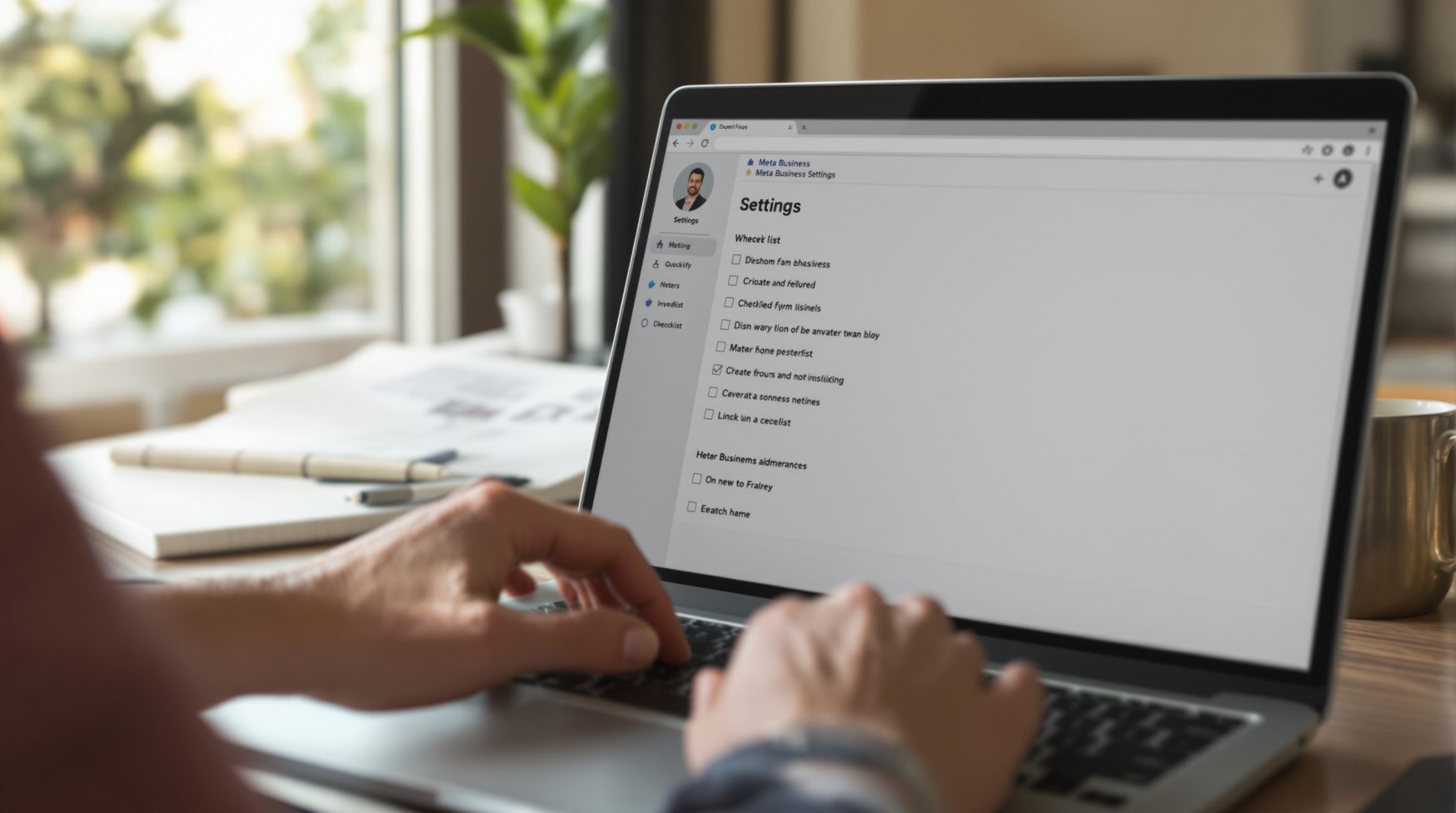
A correct account setup prevents billing and data issues. Start at Business Settings in Meta Business Suite: add your business, create or claim an ad account, and enter a valid payment method. Then go to Events Manager to install the Meta pixel and set up conversion events.
Verify your domain inside Business Settings so conversion events can be tracked reliably, and set the correct attribution window in Ads Manager (check your goals—shorter windows suit “view-through” sensitive offers). Always test pixel firing with the Test Events tool before you launch campaigns.
💡 Pro tip: Verify pixel events with the Test Events tool immediately after install; a tracking issue will invalidate early conversion data and waste budget.
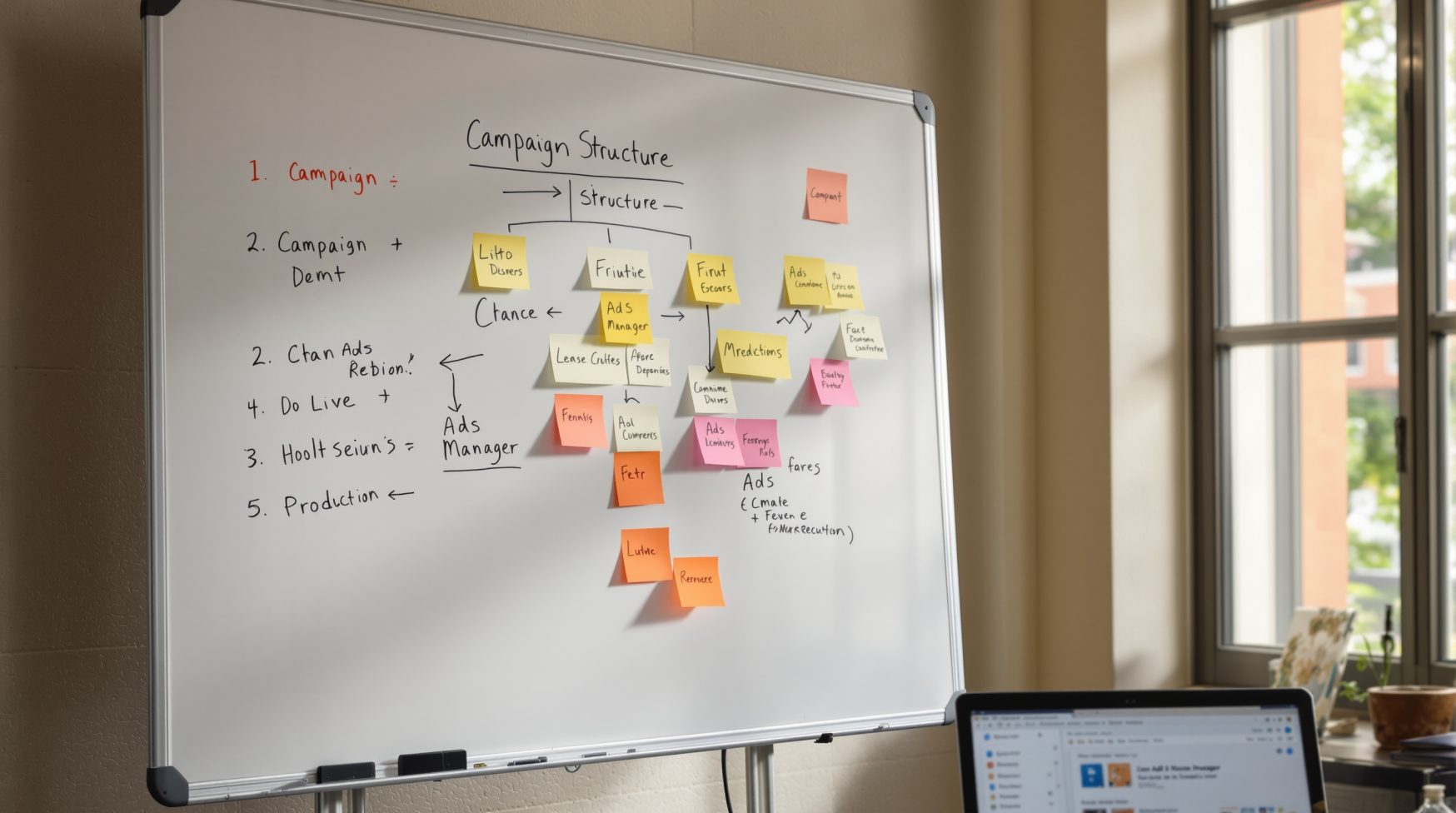
Organize campaigns so tests are clear and results map to decisions. Use a naming convention like: Campaign_Objective_Audience_Month (example: Conversions_Cold_1pct_Mar). At the ad set level define audience, placements, daily budget, and schedule. At the ad level create 2–3 creative variants to test who responds and which message converts.
| Step | What to set | Why it matters |
|---|---|---|
| Campaign objective selection | Choose Conversions or Leads based on your primary action | Ensures Facebook optimizes for the result you care about |
| Audience definition | Create Warm retargeting, Cold lookalike (1%), Interest cold | Separates testing so you know which group performs |
| Budget & schedule | Set daily budget per ad set and a 30-day test window | Prevents overspend and gives enough data to learn |
| Creative variants & naming | 2 creatives per ad set; name as Headline_Variant_Audience | Makes it easy to spot winning creative to scale |
A short checklist before you press Launch: confirm pixel firing, check event mapping, ensure ad creative matches placement specs, and tag each ad with a naming convention so data stays clear. If you want an internal reference, see our Social Media Marketing page for broader channel tips.
Start with an attention-first headline, a benefit-driven primary text, and a single clear CTA. Keep visuals clean: one focal subject, minimal overlays, and a short caption that tells people what to do next. Test single-image against short video to see which format earns higher CTR for your audience.
⚠️ Warning: Avoid using too many overlays or excessive text on images—this reduces delivery and lowers CTR. Use clean visuals and concise benefit-led copy.
Swipe-file copy templates you can paste and test:
📌 Key takeaway: Simple creative that highlights one benefit and a single CTA almost always outperforms cluttered designs in SMB tests.

Use a clear cadence: Day 0 confirm pixel and creative; Days 1–7 observe spend and CTR; Days 8–14 make decisions about pausing or scaling. Watch CTR and CPC as early signals—low CTR usually means creative or audience mismatch, while rising CPC suggests increased competition or fatigue.
📌 Key takeaway: Follow a 15-minute weekly checklist: check spend vs results, pause underperformers, duplicate winners to scale, and refresh creative every 7–14 days.
We review account setup and creative to find quick wins that improve conversions. Book a free audit and get a prioritized action list.
Quick answers to common questions about ppc marketing facebook.
PPC on Facebook is pay-per-click advertising on Meta where advertisers pay when people click an ad. Ads Manager handles billing and targeting, letting you aim at specific audiences by behavior, interests, or past interactions. Businesses typically aim for clicks, leads, or sales depending on their objective. Tip: pick a single objective when you start to make measurement and optimization simple.
Costs vary widely by industry, audience, and ad quality, so there’s no single figure for 1,000 clicks. Meta runs auctions so CPC and CPM depend on competition and targeting. That’s why you should start with a small test budget to measure your actual CPC for the audiences you choose, then scale what’s working instead of guessing costs up front.
PPC is better for short-term traffic and promotions, while SEO builds long-term organic visibility. Choose PPC when you need immediate leads or to test messaging quickly; invest in SEO for sustained, compounding traffic. For most small businesses, a mix works best: run a short PPC test while improving your site and content for organic growth.
If you mean CPM—the price advertisers pay per 1,000 impressions—values change by placement, audience, and season. Check CPM in Ads Manager’s reporting for your specific campaigns to see current rates. Watch CPM trends during tests to decide whether to shift placements or refresh creative when costs rise.
Set up Business Manager, install the Meta pixel, create a campaign with a PPC-friendly objective, build ad sets with defined audiences and bids, then design ads and launch a small A/B test of creative. Start small, confirm tracking, and scale winners. Actionable tip: test one audience with two creatives to see which message resonates first.