Wedding website design templates are pre-built, customizable site layouts you use to share event details, collect RSVPs, and showcase photos. Choose templates that are mobile-responsive, include RSVP tools or integrations, and match your visual theme—use free options for basic needs or paid templates for more customization and support.
Picking the right template matters because most guests open invites on phones and expect clear RSVP flows and fast photo galleries. This guide lists the best templates across major platforms, shows quick tests you can run in five minutes, and includes a downloadable checklist to choose a design that fits your budget and needs. If you want help building or customizing a site, you can get in touch with professional support.
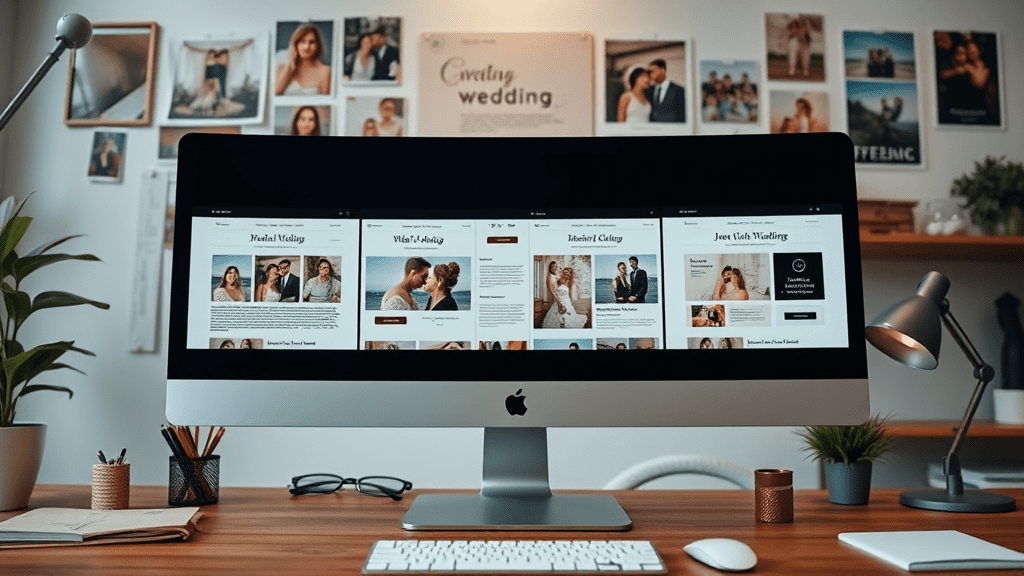
Below are the top wedding website design templates across popular platforms, chosen for RSVP features, gallery performance, and mobile display. Each entry shows who it fits best and a quick pro/con to help you scan fast.
These templates balance design and functionality, making them solid picks for most couples and small vendors.
Good for simple invites and pages with basic galleries; watch for branding and storage limits.
Templates that prioritize fast image loading, portfolio layouts, and client contact or booking forms.
Each pick above highlights RSVP support, gallery capability, and typical cost so you can match the template to your needs quickly.

Picking a template feels easier when you follow a short checklist. Focus first on RSVP, mobile behavior, and gallery performance—these affect guest experience most. Below are the must-have features and two quick vet tests you can run in under five minutes.
Must-haves include a clear RSVP form with guest list export, mobile-responsive layouts, fast-loading photo galleries, SEO fields for titles and meta, and easy contact or booking forms. Free templates often limit storage or brand removal, so check those limits before you commit.
Quick tests: open the demo in a phone preview and walk the RSVP flow, then run a simple load-time check. If the RSVP requires extra clicks or images slow to load, note those as red flags.
When to choose free vs paid: pick free templates for small guest lists and a simple info page. Upgrade to paid when you need a custom domain, more storage, integrated RSVP or vendor booking tools, or professional support.
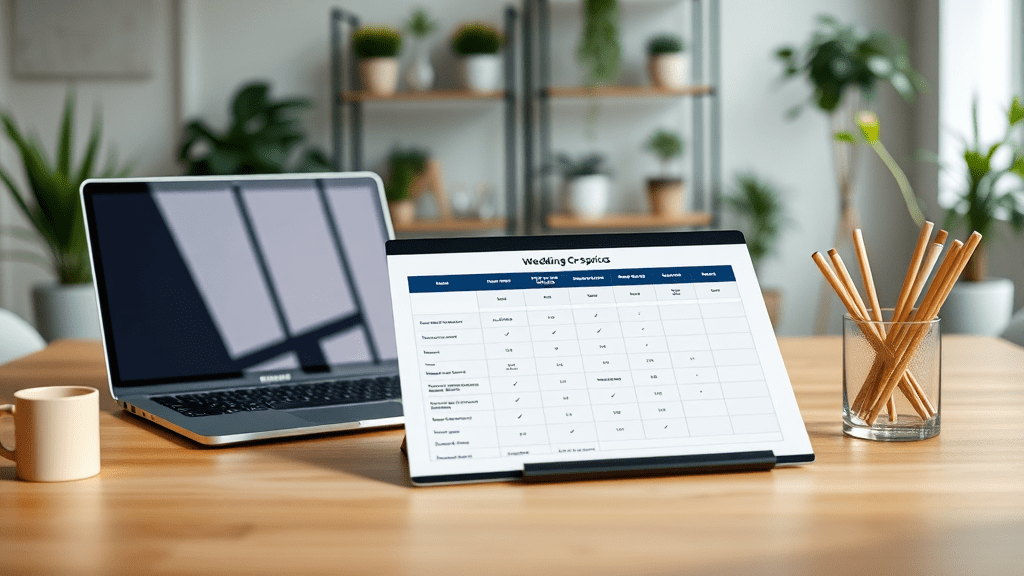
This compact comparison shows where platforms shine for RSVP, gallery features, and typical cost. Use it to pick a platform that fits your technical comfort and budget.
Expect free tiers that include platform branding and limited storage. Paid monthly plans typically range from $12–$30/month, while premium templates or ThemeForest purchases are one-time fees of $30–$100. Factor hosting, plugins, and app costs into your budget.
Quick wins: edit each page’s page title and meta description to include key details (couple names, city, date), add descriptive alt text for images, and include event schema for date/time to help search engines and social previews.
| Platform | RSVP & Guest Tools | Gallery & Media | Mobile & Speed | Typical Cost |
|---|---|---|---|---|
| Wix | Built-in RSVP + apps, guest export | Good galleries, app integrations for proofing | Responsive templates, moderate speed | Free / $14–$23+ per month |
| Squarespace | Forms for RSVP; add-ons for full guest tools | Excellent image handling and grids | Fast, polished mobile layouts | $16–$23 per month |
| Canva | Basic forms & third-party embeds | Easy image editing, simple galleries | Mobile-friendly single pages; speed depends on export | Free / Pro ~ $12.99 per month |
| ThemeForest (WordPress) | Depends on theme/plugins; strong with plugins | Powerful galleries via plugins | Speed depends on hosting and optimization | $30–$90 one-time + hosting |
| Framer | Custom forms and modules; flexible | Modern interactions, good media handling | Highly responsive and fast | Free trial / $12+ per month |
| WithJoy / WedSites | Built-in RSVP, group messaging | Basic galleries, focused on event tools | Mobile-first templates | Free / premium upgrades |
| Figma (design) | Prototyping only; export to builders | Design-level image control | Depends on final implementation | Free / Pro per editor |
If you run a wedding-related small business and want custom templates or a professional setup, get started and we can help match a template to your workflow and audience. Next steps: pick 2 templates from the list, run the 5-minute vet, and compare costs.
Yes. Platforms like Wix, Canva, and WithJoy offer free templates that work for simple wedding pages. Free options usually include platform branding, limited storage, and basic RSVP forms. Use free templates for short guest lists or single-page invites, and upgrade if you need a custom domain, more photos, or advanced guest management.
WithJoy and dedicated services like WedSites include built-in RSVP flows and guest list management. Wix also offers good RSVP tools via built-in features and apps. Squarespace and Canva support forms and integrations that can handle RSVPs, but for exportable guest lists you may need plugins or paid plans. Look for calendar integration and CSV export.
HTML templates often require basic hosting and editing, so non-coders may find setup challenging. If you prefer no-code, choose a builder platform (Wix, Squarespace, Framer) or buy a WordPress theme with a visual page builder included. Alternatively, hire a developer for the initial setup, and you can manage content afterward.
Check the demo on a phone for layout breaks, test the RSVP flow, and run a load-time check aiming for under 3 seconds. Optimize images (use lazy-loading and compressed files), remove unused third-party scripts, and test on slow networks. Use Google PageSpeed Insights or your builder’s preview tools to spot blockers.
Edit each page’s title to include names and the city/date (e.g., “Alex & Jamie — June 12, 2026, Portland”). Add a concise meta description that mentions the event and RSVP link. Fill image alt text with descriptive phrases, and add an Open Graph image for social sharing so invites look good when shared.
Photographers and vendors should choose templates with large, optimized galleries, proofing or client delivery options, and clear service/package pages. Platforms like Squarespace and Wix offer portfolio templates with fast image handling; ThemeForest themes plus WordPress plugins work well if you need booking and advanced client features.