Build a visual, trust-driven site that collects leads
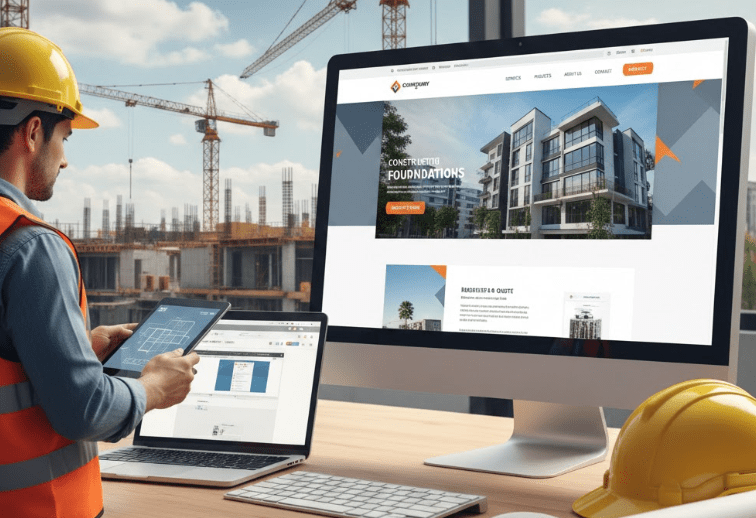
A high-converting construction website design puts project photos and a short, clear value proposition front-and-center, then funnels visitors into a quick quote or call. Prioritize portfolio pages, service pages and a frictionless “Get a Quote” form.
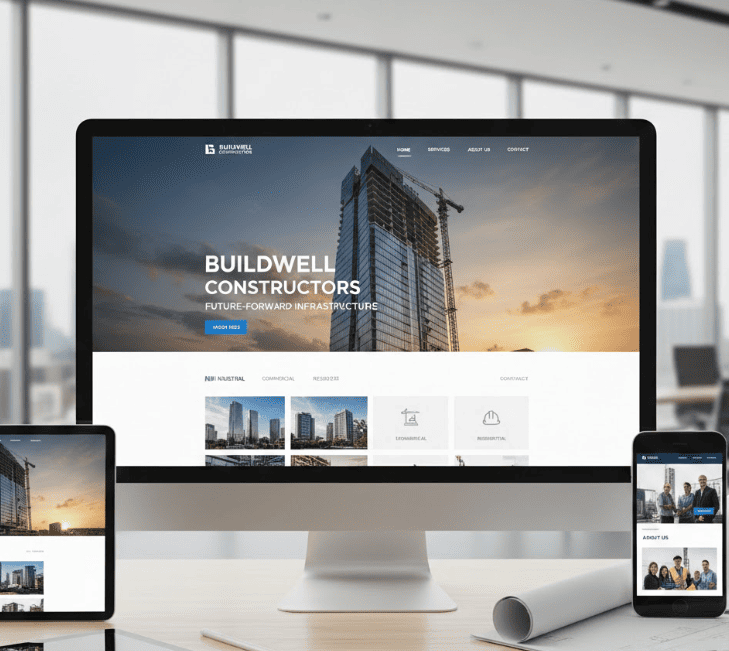
Use big project imagery, a short hero statement and a single CTA.
Build a portfolio system: filters, before/after galleries and measurable outcomes.
Choose a platform (WordPress, Webflow, Figma) based on budget and control needs.
Optimize for local SEO, speed and mobile to maximize leads.
Why design matters for contractors (short and practical)
Potential clients rarely call without seeing proof. A professional construction website design signals capability through images and project details; it also reduces friction by making contact simple. In short: visuals build trust, copy sells the solution, and easy contact captures the lead.
Projects speak louder than promises — show them with data and images.
Must-have pages and exactly what to include
Home: Hero image, 8-12 word headline, primary CTA (Request a Quote), three trust bullets (licenses, years in business, award badges).
Projects / Portfolio: Filterable list, each project with problem → solution → outcome, before/after gallery and metrics (budget range, timeline, square footage).
Services: Individual pages for each service with short case studies and local modifiers (e.g., “Roofing in Denver”).
About / Team: Safety certifications, insurance, team photos and a short mission statement.
Get a Quote / Contact: 3-field lead form (Name, Phone/Email, Project Type) + file upload and calendar scheduling option.
Blog / Resources: Local project spotlights, maintenance guides, FAQ pages for SEO.
Template selection by platform (what to choose and why)
Choosing templates depends on your budget, technical skill and future needs. Below are practical suggestions matched to common scenarios.
WordPress — Best for low-budget teams: use lightweight builders like Elementor + a construction theme (Astra, GeneratePress starter). Pros: plugins, low hosting costs, many templates. Con: occasional plugin conflicts.
Webflow — Best for pixel-perfect design and cleaner code. Great if you want CMS control without plugins. Pros: visual design, clean exports. Con: higher learning curve and cost.
Figma — Use for prototyping and handoff. Designers build reusable components (hero, project card, testimonial) that map to your theme.
Step-by-step: Launch a lead-focused website in 7 steps
Pick your platform and template — choose WordPress for low-cost, Webflow for design control.
Gather assets — 3-6 project photos, 2 team photos, logos and licenses.
Write short persuasive copy — hero headline, 40-80 word project summaries, 1-sentence service intros.
Build pages in order — Home → Projects → Services → About → Contact.
Add tracking & forms — set up Google Analytics, Google Business Profile and a short 3-field form with spam protection.
Optimize for speed — compress images, use lazy-loading and a CDN.
Test & launch — mobile and desktop testing, then publish and announce on local channels.
Design elements that increase conversions
Hero: single immersive project photo, short headline, CTA button, clickable phone number for mobile.
Project pages: problem → solution → outcome structure; include project stats (time, cost range) and a before/after slider.
Forms: shorter is better — three fields plus an optional “Attach photos” field increases qualified leads.
Trust builders: license numbers, association logos, star reviews and short video testimonials.
Experts suggest focusing on one primary CTA per page to avoid decision paralysis. According to industry research, sites that surface a phone CTA above the fold see higher mobile conversions. For additional reading on labor trends and local construction market signals, see the Bureau of Labor Statistics.
Create city-level service pages (e.g., “Kitchen Remodel Denver”) for top service areas.
Implement schema: LocalBusiness, Review, ImageObject and Offer on service pages.
Compress and format images with proper filenames and ALT text (e.g., “denver-kitchen-remodel-before-after.jpg”).
Use internal linking: link project pages from service pages and vice versa.
Low-cost high-impact setup for small contractors
If you’re a small contractor on a tight budget, prioritize: 1) a single, strong project on the home page, 2) a clear “Get a Quote” form, and 3) mobile-first speed. Use budget hosting ($50-$100/year), a premium theme ($50-$100 one-time) and DIY copy optimized for local keywords.
Quick content and copy templates you can paste
Copy snippets save time. Use these as a starting point and personalize them for your firm.
Project summary: “We replaced a 1980s roof in 7 days – completed on budget; client saved 12% with material sourcing.”
CTA button: “Get a Free Quote” or “Schedule a Free Inspection”
Templates, resources and visual asset planning
Curate templates that include portfolio modules, testimonial blocks and a contact form. For visual assets, collect raw photos, pick 3 hero images and create 2-3 before/after compositions. Consider short 30-60 second project videos — they increase conversions on project pages.
Case study: small remodeler goes from 2 to 8 leads/week
A two-person remodeler replaced an outdated page with a new construction website design focused on three showcased projects, a three-field contact form and a clear CTA. Within six weeks, organic leads rose by four-fold after adding localized service pages and a project gallery with before/after sliders.
Common mistakes to avoid
Heavy homepage with multiple CTAs — choose one primary action.
Using only stock photos — prioritize real project imagery when possible.
Long forms above the fold — shorten and qualify later by email or call.
FAQs about website design
How much does a construction company website design cost?
Costs vary: a DIY WordPress setup (hosting + premium theme) can run $100-$400/year. A low-budget contractor setup with minor design work is $800-$2,500. Agency builds with custom design and development typically start at $4,000 and can go much higher depending on features and integrations.
Which platform is best for a small construction business?
For most small construction businesses, WordPress offers the best balance of cost, plugins and templates. Webflow is ideal if you want tight design control and cleaner code without plugin maintenance. Use Figma to prototype before building if you hire a designer.
What pages convert best for construction websites?
Project case studies, a single-focus “Get a Quote” page, and local service landing pages convert best. Each conversion page should include a strong image, concise benefit-driven copy and one clear CTA.
How do I get local leads from my website?
Optimize your Google Business Profile, create city-specific service pages, implement LocalBusiness schema, and use clear click-to-call CTAs on mobile. Regularly publish local project spotlights and encourage happy clients to leave reviews.
Can I use stock photos for my construction site?
Stock photos are fine as placeholders but are inferior to real project photos. If you must use stock, choose realistic, high-resolution images and supplement with at least one real project image to build credibility.
Final checklist before launch
Mobile test and speed audit passed
Forms tested and emails confirmed
Google Business Profile linked and verified
Basic schema implemented and images optimized
Backups and SSL active
Following this construction website design guide will give you a fast, lead-focused site that highlights your projects, builds trust and makes contacting you simple. For a tailored site plan, template kit and hands-on launch support, reach out to our website design team today!
Lark Begin is a digital marketer from Ottawa, Canada. Lark is an SEO Master, PPC expert and content writer. She helps many small businesses get ranked on Google each day.