


Want a clear, Facebook-first plan for affiliate marketing in Facebook that actually tracks results? By the end of this guide you’ll have a working affiliate post, the account settings to publish it, and a simple measurement plan using UTMs and the Meta pixel. This article walks through the exact steps inside Facebook and the practical choices between Pages, Groups, Reels, feed posts and ads.
You’ll learn how to set up the right account type, add affiliate links and promo codes, disclose properly with Facebook’s branded content tools, and check which posts drive real clicks and conversions. Quick preview:
✓ Quick Answer
Affiliate marketing in Facebook is promoting third-party products through Pages, Groups, Reels, posts or creator tools to earn commission. Set up a professional Page or creator profile, join affiliate programs, use Facebook’s native affiliate link features and disclose branded content, then track clicks with UTMs and the Meta pixel.

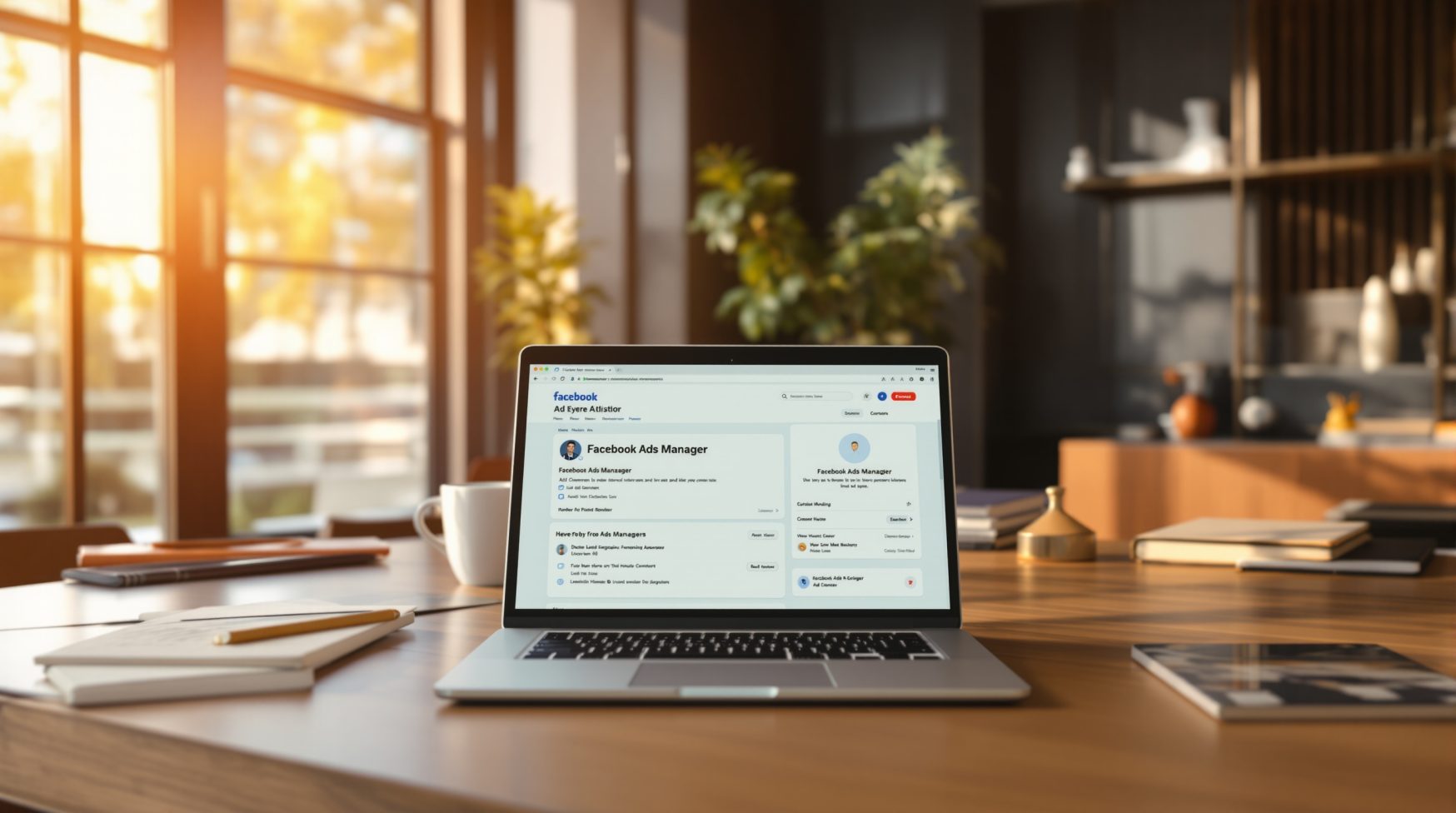
The first step for affiliate marketing in facebook is picking the right account type. Use a Facebook Page, professional profile, or creator account — each can publish affiliate links but creator tools give easier branded content tagging. If you plan ads, connect the Page to a Business Manager account and grant ad permissions to any team members who will run campaigns.
Checklist: open Meta Business Suite and Creator Studio and confirm these settings before posting affiliate content.
A practical tip: if you’re unsure which features are available, open Creator Studio and check the Branded Content settings. Facebook’s creator tools will show options for tagging business partners and applying promo codes when supported. If you need help shaping a Facebook content strategy, see our SEO Services page for related guidance on linking and tracking site conversions.
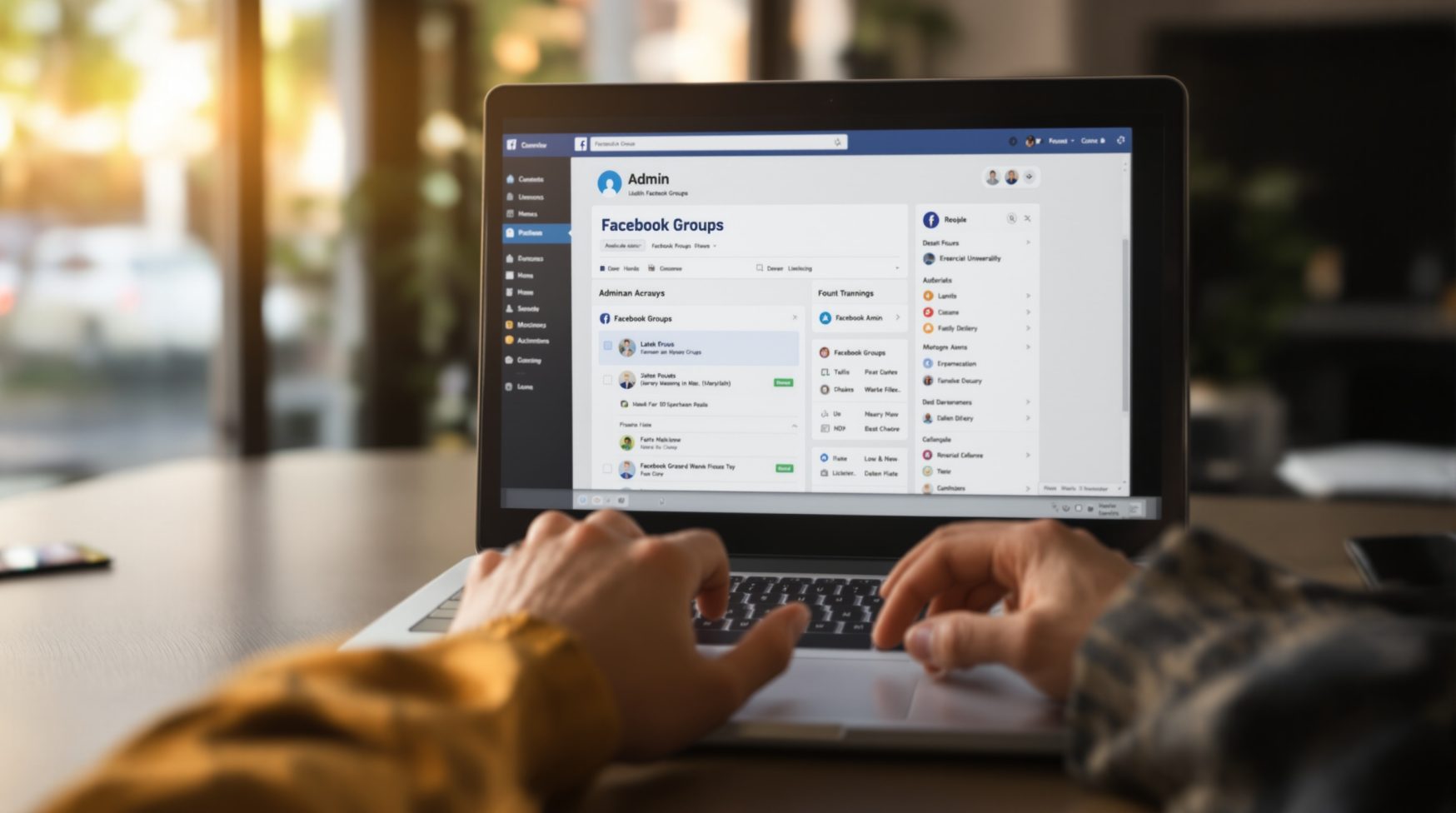
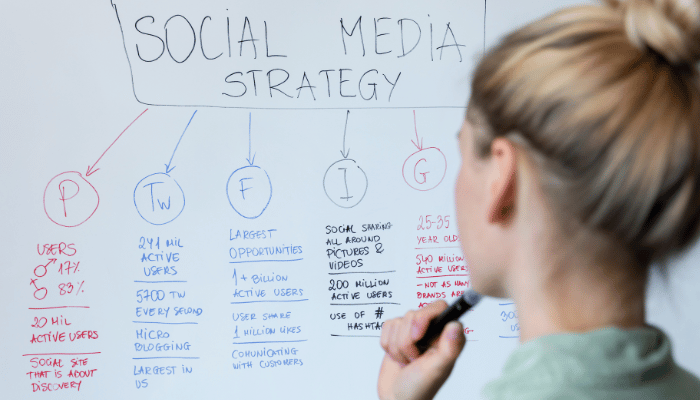
Picking the right surface changes the results you’ll get. Pages and feed posts are predictable for branded audiences, Groups can be highly engaged but expect more moderation, Reels deliver reach and discovery, and paid ads give precise targeting for high-intent offers. Test one surface at a time so you can compare real performance.
Examples and when to use them: Pages for regular customers, Groups for niche communities and product demos, Reels for short demos and promo codes, and ads when you want predictable scale. If you’re a local business, test feed posts and a small boost before committing to a creative-heavy Reels strategy. For content ideas, our Social Media Marketing resources have templates that pair well with affiliate offers.
Quick post templates you can adapt:
💡 Pro tip: Test one Facebook surface for two weeks with the same affiliate offer to compare CTR and conversions; use identical UTMs so results are comparable.

You can add affiliate links directly in posts, captions, or the link field for certain creator tools. When Facebook offers a promo code field or an affiliate link experience, prefer the native option so tracking and disclosure are clear. Always put the disclosure in the first sentence and apply the paid partnership or branded content label when required.
⚠️ Warning: Never hide affiliate relationships or omit the branded content label; improper disclosure can reduce reach and risk account penalties—always add clear disclosure in the first sentence of the post.
Do this / don’t do this: do put disclosure first and tag the business partner; don’t bury affiliate language in a comment or use vague phrasing. Use the promo code field when offered so users can copy code easily. If you must shorten a link, keep the destination visible on the landing page so readers see the offer clearly.
If you’re looking for deeper reading on link practices and tracking best practices, resources like Moz explain URL handling and why clear destinations matter for both users and search. Keep your affiliate destination pages tidy and transparent to avoid confusion.
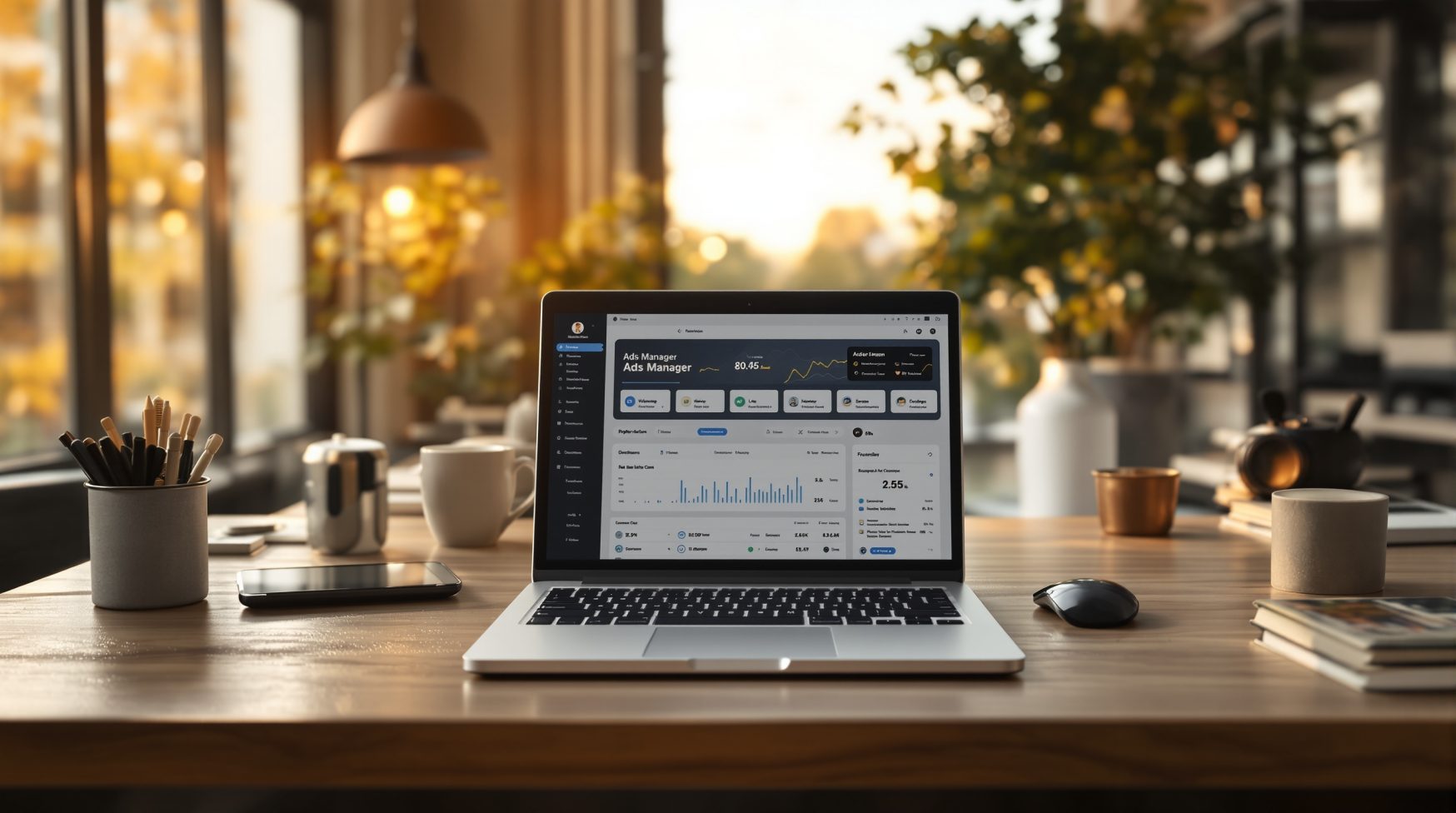
You can’t improve what you don’t measure. Add UTMs to every affiliate link you post so you can see which surface and creative drove the click. A simple UTM structure: ?utm_source=facebook&utm_medium=organic_or_paid&utm_campaign=offer-name&utm_content=placement. Keep naming consistent so you can compare across tests.
💡 Pro tip: When testing creatives, keep UTMs identical across placements except for utm_content — that isolates creative performance without muddying source or campaign metrics.
Install the Meta pixel and create conversion events for landing page views or affiliate landing clicks. Use Events Manager to verify events fire correctly before you scale. For UTM best practices and parameter guidance, Google Search Central explains how consistent tagging helps reporting: Google’s guide.
Simple test-and-learn framework: form a hypothesis (e.g., Reels increase CTR), choose metric (CTR then conversion rate), run for 14 days, compare results, and scale the winner. Keep tests under 3 variables at once so you can confidently attribute changes to the element you changed.
📌 Key takeaway: Track every affiliate link with UTMs and validate conversions with the Meta pixel before you scale. Clean data is your trigger for ad spend.

A simple 30-day cadence helps you stay consistent and test responsibly. Mix educational posts, testimonials, promotional posts with clear disclosure, and evergreen content that drives organic search. Start with 3 posts per week and one Reel, then measure and increase the cadence for top performers.
Sample four-week calendar: Week 1 educational post + Reel; Week 2 testimonial + feed post; Week 3 how-to post + Reel; Week 4 roundup + promotional post with promo code. A single winning post with clean UTM data is often enough reason to allocate budget and scale with an ad.
📌 Key takeaway: Prioritize tracking and scale only winners; a winning post backed by clean UTM data and a lift in conversion rate is your green light to allocate ad budget.
Get a free audit of your Facebook content and tracking setup so you can publish affiliate posts that convert.
Quick answers to common questions about affiliate marketing on Facebook.
Yes — Facebook allows affiliate marketing when you follow its rules. You must be on a Page or professional/creator profile with branded content tools enabled where required. Use the paid partnership or branded content label when tagging a business partner, disclose affiliate relationships in the post text, and follow any promo code or link fields available for Reels and creator tools. Next step: check your Page settings and enable creator or branded content tools before posting.
Yes, $100 per day is achievable but it depends on traffic, conversion rate, and commission size. If your offer pays $50 per sale, you need two tracked conversions daily; if commissions are lower, you need more volume. Focus on one niche offer, track performance for 60 days, and reinvest in campaigns or creatives that show clear ROI.
Yes, with caveats. Facebook is strong for targeted audiences, niche Groups, and paid ads that scale tested creatives. Organic reach can be variable, so plan paid boosts for winners. Start small, test placements, and double down on what converts for your audience.
It’s possible but requires scale: an engaged audience, high-ticket or recurring commissions, multiple traffic channels, and disciplined optimization. That means dozens of converting posts, paid amplification, and solid tracking. Immediate action: identify high-commission offers and build a 6–12 month plan focused on consistent traffic and conversion improvement.
Start with three steps: set up a Page or creator profile, join an affiliate program, and publish a disclosed affiliate post with UTMs. Then enable branded content tools, install the Meta pixel for conversion tracking, and run a small 14-day test to measure CTR and conversions. Next: pick one offer and one surface to test first.