

Ads feel like a full-time job for many small businesses: you set campaigns, tweak audiences, and pull reports — and it eats hours every week. If you’re wondering whether the marketing facebook api can cut that time while keeping control, it can: you can create campaigns, rotate creatives, and export Insights programmatically.
This guide shows you concrete outcomes: working requests that create campaigns, a clear app and token setup path, copy-paste examples in cURL, Python and Node.js, and automation patterns (batching, webhooks, scheduled pulls) oriented to SMB use cases. By the end you’ll be able to run a test request, automate a recurring promotion, and pull routine reporting for optimization.
✓ Quick Answer
The marketing facebook api lets developers programmatically create, manage, and measure ad campaigns across Meta platforms using Graph API endpoints, objects (campaigns, adsets, ads) and Insights endpoints. Use access tokens, the correct permissions, and batch requests to automate ad creation and pull reporting for ongoing optimization.
At its core the API exposes the same ad-building blocks you see in Ads Manager: campaigns, ad sets, ads, creatives and Insights. That means you can script campaign creation, rotate creative templates, or export metrics to your BI stack. For an SMB, that translates to repeatable promotions, automated seasonal campaigns, and reliable reporting pipelines.
Common SMB use cases include: a local retailer scheduling weekly promoted posts, an e-commerce shop syncing product catalogs for dynamic ads, and an agency pulling daily Insights for automated reporting. And because calls are programmable, you can connect ad events to CRM or inventory systems.
When to skip the API: if you only run one-off campaigns and prefer a GUI, Ads Manager is faster. But if you want repeatability, data exports, or to connect ad events to other systems, the API is worth the investment.
📌 Key takeaway: Use the API when you need repeatable ad ops or direct data export for reporting; for one-off edits, Ads Manager is faster.
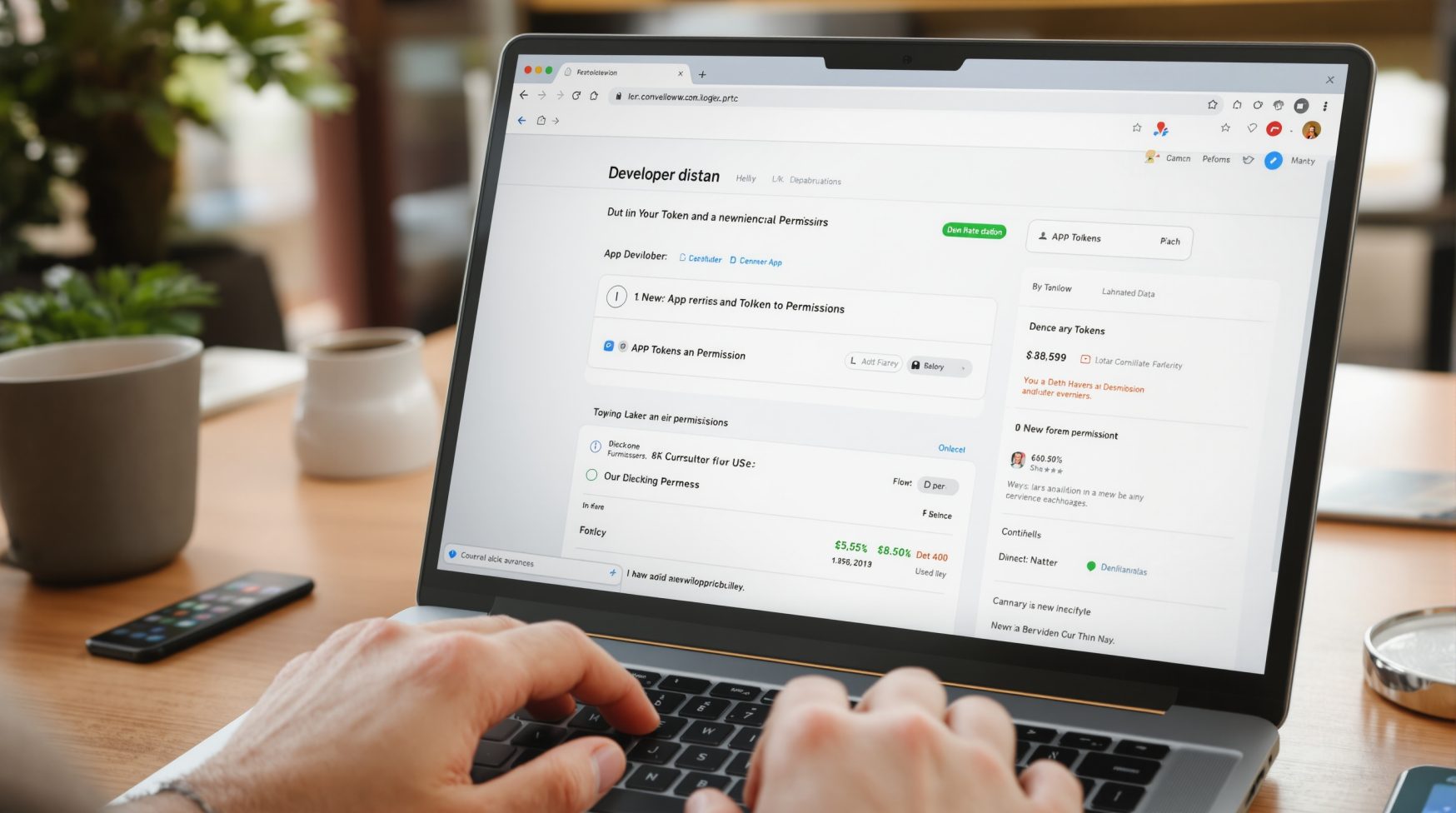
Follow these numbered steps to get basic access: create a Meta developer app, link it to your Business Manager, assign a system user to your Business, and generate a long-lived token with ads_management and ads_read scopes. Test in a development ad account before requesting app review.
Short steps: 1) Create a developer app at developers.facebook.com. 2) In Business Manager, add the app and grant it access to your ad account. 3) Create a system user and assign it to the app; then generate a system user token. 4) If you go live, submit the app for review for ads_management scopes.
⚠️ Warning: Don’t use short-lived user tokens in production. Generate a system user or long-lived token and confirm your Business Manager roles to avoid permission errors during API calls.
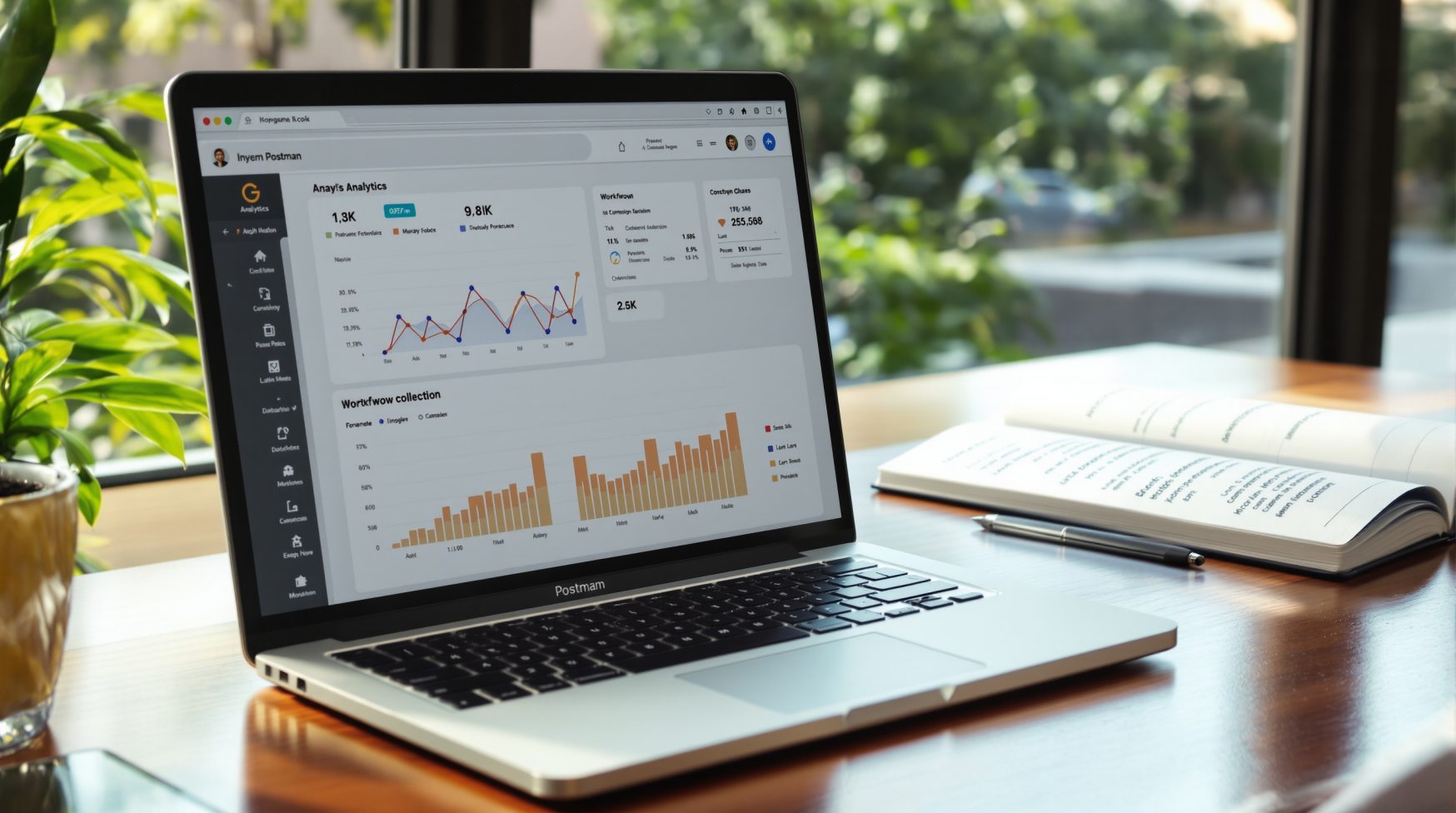
Quick Postman tip: create an environment with variables ad_account and access_token, then import requests to test endpoints without writing code. If you prefer a tutorial that ties setup to examples, try the cURL example in the next section to verify your token with a read request.
| Object | Why it’s needed | Action to complete |
|---|---|---|
| Developer App | Holds app settings, version and permissions | Create at developers.facebook.com and note App ID |
| Business Manager | Links your app to owned ad assets | Add app to Business Manager and grant access to ad account |
| Ad Account | Where campaigns run and spend is billed | Assign roles to the app or system user for the ad account |
| System User | Non-human identity to generate tokens | Create system user in Business settings and assign assets |
| Access Token | Authorizes API calls with required scopes | Generate long-lived token with ads_management and ads_read |
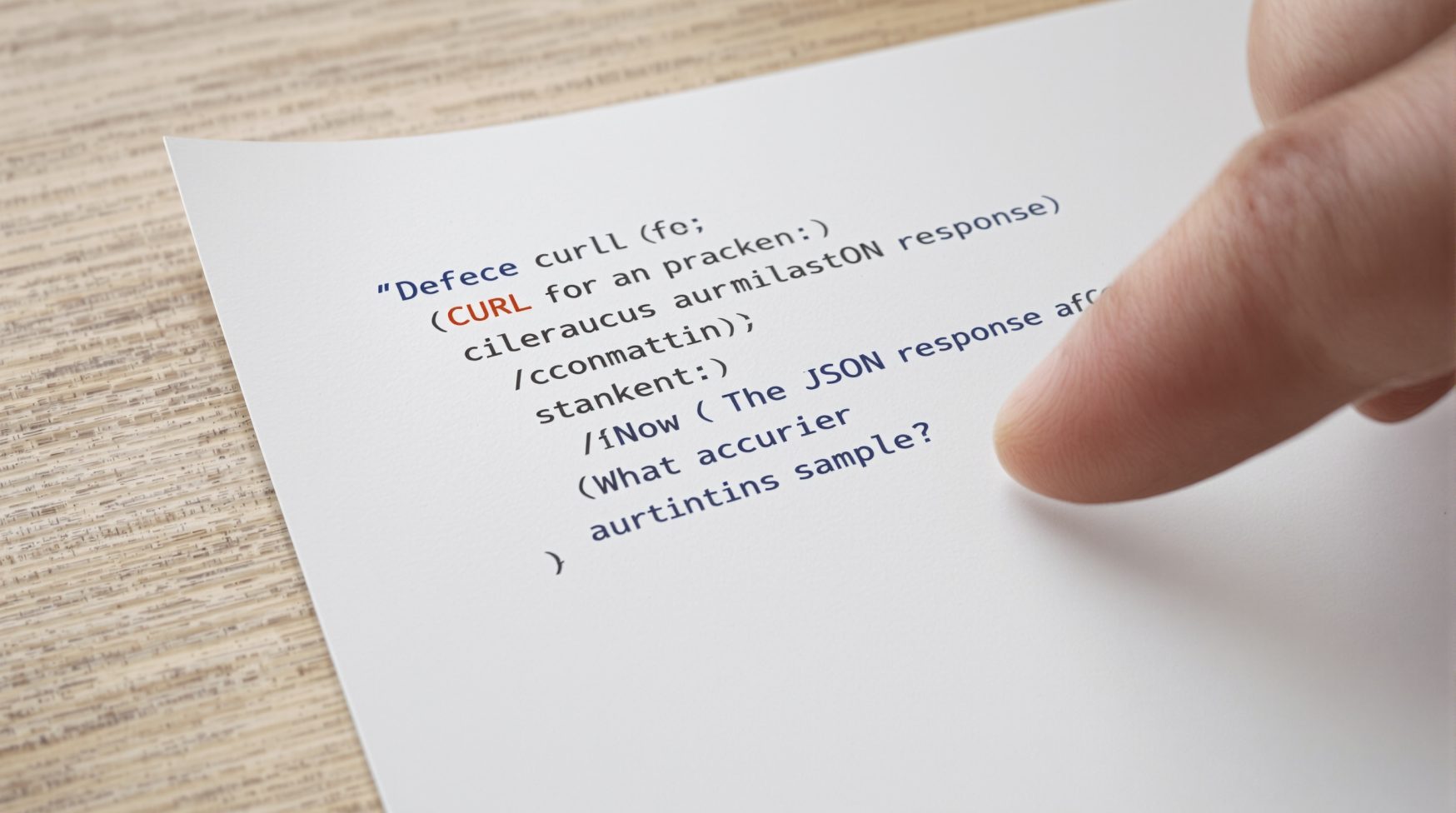
Here is a minimal flow: create a campaign, create an adset that targets an audience and budget, then upload or reference a creative and create an ad. Test with a paused campaign to verify fields before spending. Start with a cURL example to confirm your token and ad account are correct.
💡 Pro tip: Use a Postman environment with variables for ad_account and access_token to speed iterative testing before coding SDK calls.
Quick cURL to create a campaign (replace {ad_account} and {ACCESS_TOKEN}):
curl -X POST "https://graph.facebook.com/v17.0/act_{ad_account}/campaigns"
  -F "name=Local Promotion"
  -F "objective=LINK_CLICKS"
  -F "status=PAUSED"
  -F "access_token={ACCESS_TOKEN}"
Python example using requests (minimal):
import requests
url = "https://graph.facebook.com/v17.0/act_{ad_account}/campaigns"
data = {"name":"Promo","objective":"LINK_CLICKS","status":"PAUSED","access_token":"{ACCESS_TOKEN}"}
r = requests.post(url, data=data)
print(r.json())Common errors: missing required fields, wrong ad_account id format, or expired token. If you see a permissions error, confirm the system user has assigned ad account access in Business Manager. For deeper guidance on ad objects, check the official docs.
There are three common automation patterns: batch requests for bulk changes, webhooks for near-real-time notifications, and scheduled polling for predictable data extracts. Pick the pattern that fits your needs: speed, complexity, and rate-limit sensitivity determine the best choice.
| Method | When to use | Pros / Cons |
|---|---|---|
| Batch Requests | Bulk updates like applying changes to many ads | Pros: fewer HTTP calls; Cons: larger payloads and complexity |
| Webhooks | Real-time events like ad status changes | Pros: low latency; Cons: requires web endpoint and retry handling |
| Polling | Scheduled exports for reporting pipelines | Pros: simple to implement; Cons: can hit rate limits if too frequent |
| SDK Batch Helpers | Language-specific helpers to build batch requests | Pros: convenience; Cons: still subject to API limits |
Sample Insights request (cURL) to pull daily metrics for a campaign:
curl -X GET "https://graph.facebook.com/v17.0/{campaign_id}/insights?fields=impressions,clicks,spend&date_preset=last_7d&access_token={ACCESS_TOKEN}"Best practices: cache paginated results, respect rate limits (backoff and retries), and store raw timestamps for accurate joins with your sales data. For small teams, a nightly scheduled pull is often the simplest reliable option.
Get hands-on help building automated campaigns and reporting that save time and lower cost per lead.
Quick answers to common questions about Marketing Facebook API and practical next steps.
Start by registering a Meta developer app, linking it to Business Manager and your ad account, and obtaining a system user or long-lived access token with ads_management and ads_read scopes. Then call Graph API endpoints like GET /act_{ad_account}/campaigns to verify access. Next action: run that GET request to confirm your token and account visibility.
An effective tutorial walks through setup, a minimal campaign creation example, and fetching Insights. I recommend running the provided cURL to create a paused campaign, then porting the call to Python or Node. Next step: import a Postman collection or run the cURL to validate requests against a test ad account.
Get access by creating a Meta developer account and app, adding the app to Business Manager, creating a system user, and generating a system user token or long-lived token with ads_management and ads_read. App review is required for production scopes; test first with a development token on a test ad account.
The official docs live on developers.facebook.com and contain object references for campaigns, ad sets, ads, and Insights. Use the docs to confirm required fields and to check rate limits and versioning. Tip: match your requests to the API version set in your app settings; it avoids unexpected breaking changes.
Accessing the API has no separate fee, but you must have an active ad account to run ads, and ad spend applies. You can test with development tokens and paused campaigns to avoid spend while you validate calls and workflows.