Modern website design is about purposeful visuals, fast experiences, and clear interactions that guide users to action while staying accessible and search-friendly.
Prioritize speed and accessibility; visual trends should enhance clarity.
Use component-driven layouts and design systems to scale modern designs.
Start rebuilds with audits (performance, content, SEO) and prototype with Figma or a simple HTML starter.
Measure impact post-launch: conversions, load times, and accessibility compliance.
Why Modern Website Design Matters Today
Customers expect a modern design website that loads quickly, communicates value instantly, and works equally well on a small phone or a desktop. A modern approach reduces friction–faster perceptions of speed, clearer calls-to-action, and fewer barriers for assistive technologies.
Better conversions from clearer UX.
Lower bounce rates due to improved performance and hierarchy.
Stronger brand trust from consistent visual systems.
Top Modern Website Design Trends (Current & Near-Future)
Trends come and go, but the core of modern website design is stability with a creative edge. Below are trends that are shaping sites now and will matter in the near future.
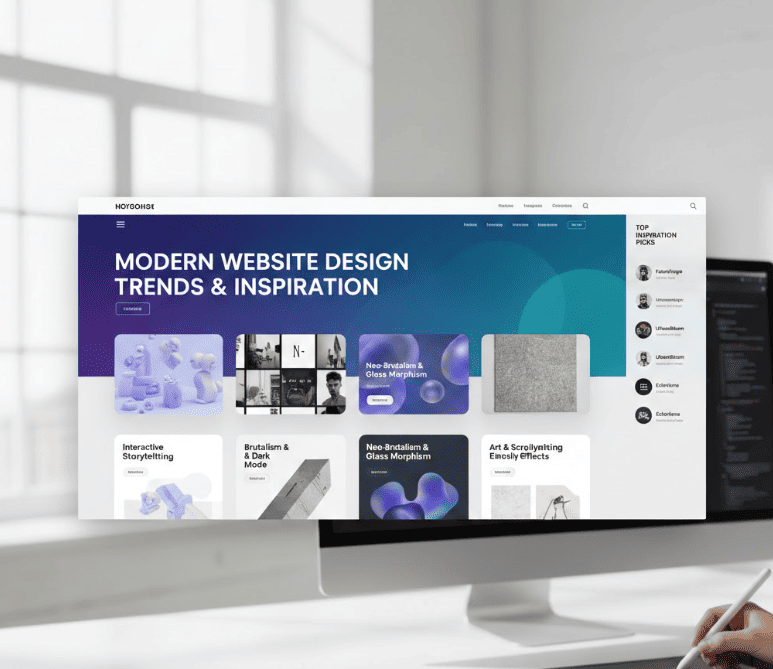
Minimalism with narrative: Clean layouts with layered elements and a strong content hierarchy.
Asymmetry & depth: Split screens, overlapping cards, and subtle shadows to guide attention.
Micro-interactions: Small animations that provide feedback and encourage exploration.
Design systems: Tokenized colors, spacing, and components for faster iteration.
Core UI Patterns That Define Modern Design
Patterns help users by being predictable. Modern design borrows proven UI patterns while refining them for clarity and performance.
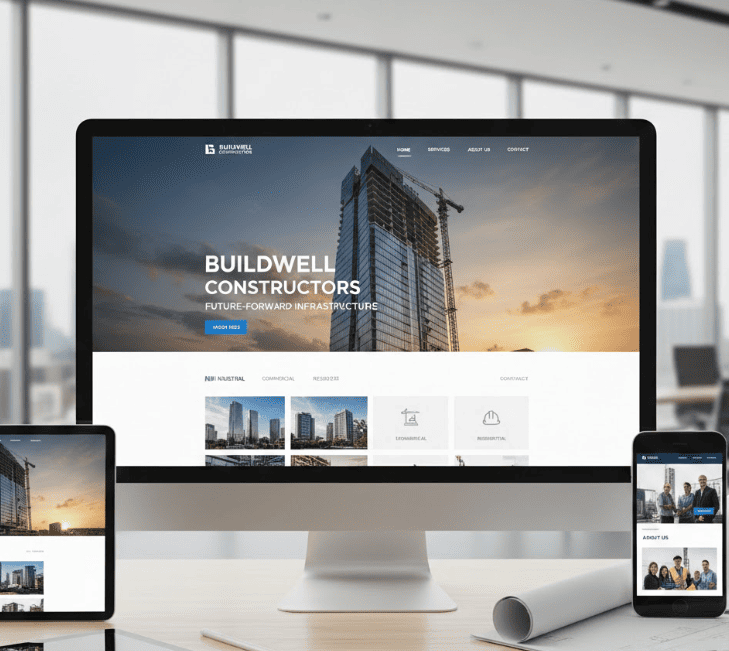
Hero + CTA-first: A succinct benefit statement, visual, and a primary CTA above the fold.
Card grids: Modular content blocks that adapt across breakpoints.
Progressive disclosure: Reveal details only when needed to reduce cognitive load.
Accessible nav: Keyboard-focusable menus, skip links, and responsive patterns that don’t hide essential actions.
Image related to split-screen hero modern website design
Gallery: Best-in-Class Examples & Inspiration
Seeing is believing. Below are concise, actionable examples and the lessons you can borrow.
SaaS landing: Split-screen hero, short animated demo, clear pricing CTA — borrow the split-CTA pattern for products.
Agency portfolio: Asymmetrical project thumbnails with hover micro-animations — effective for storytelling-first brands.
Personal portfolio: Minimal hero, type-driven layout, and accessible keyboard navigation — great for personal branding.
Example lesson: replacing a dense text-block with a three-card summary reduced scroll drop-off in many case studies–modular cards make content skimmable and easier to A/B test.
Design systems are the infrastructure of great digital products; they let design scale without losing craft.
Templates, Starter Kits & Figma Resources
Use starter kits to accelerate the transition from concept to production. I recommend maintaining a small, focused library of components in Figma and exporting a minimal HTML/CSS starter for engineers.
Image related to figma ui kit modern website template
Step-by-Step: Rebuild an Outdated Site into a Modern Design
Below is a practical, repeatable workflow I use when modernizing sites. Follow these steps and keep the team aligned at each milestone.
Audit (Day 1): Run Lighthouse, record load times, gather analytics, list highest-traffic pages and accessibility issues.
Prioritize (Day 2-3): Score issues by impact x effort; prioritize Core Web Vitals, mobile layout, and top-converting pages.
Prototype (Day 4-10): Wireframes → component library in Figma → high-fidelity prototype. Test with 5-10 users or stakeholders.
Build (Sprint): Implement components in a component-driven environment (Storybook) and enforce tokens for colors and spacing.
Optimize & QA: Compress images (AVIF/WebP), implement lazy-loading, set caching headers, and validate with Lighthouse and accessibility tools.
Launch & Monitor: Deploy, run audits, and compare pre/post metrics (LCP, FID, CLS, conversions).
Small wins matter: starting with a single high-traffic template (e.g., product landing page) and shipping a component library often unlocks the rest of the site redesign.
Performance, Accessibility & SEO for Modern Design
Fast and accessible sites are modern sites. According to Google Web Fundamentals: Make the web fast, perceived performance is as important as raw metrics–prioritize Largest Contentful Paint and input responsiveness while keeping images lean.
Use semantic HTML for SEO and screen readers (nav, header, main, article, footer).
Optimize images: serve modern formats, correct sizes, and lazy-load offscreen assets.
Reduce render-blocking CSS/JS and use preconnect for critical third-party domains.
Ensure keyboard accessibility for dynamic components and provide ARIA labels for complex widgets.
Tools, Code Snippets & Production Tips
Practical tools speed up delivery. Choose a small set and master them.
Design: Figma + FigJam for collaboration.
Components: Storybook for isolated UI development.
CSS: Tailwind CSS or CSS variables + lightweight utility classes.
Framework: Next.js or Astro for fast outputs and image optimization.
Copyable snippet: accessible hero with a CTA (HTML outline)
Implement this with responsive typography, ARIA attributes for the CTA if needed, and server-side preconnect hints for slow third-party resources.
Industry-Specific Design Patterns & Case Studies
Different industries need different focuses: fintech requires trust signals and concise flows; e-commerce prioritizes product discovery and performance; portfolios emphasize storytelling and fast visual loading.
Fintech: Clear hierarchy, security cues, fast onboarding flows.
E-commerce: Product cards with image zoom and fast add-to-cart.
Agency/Portfolio: Project case studies, rich media optimized for load speed.
FAQs
What is modern website design and how is it different from contemporary website design?
Modern website design focuses on functional principles–performance, component-based systems, accessibility, and simple yet expressive visuals. Contemporary website design often refers to current stylistic choices (fonts, colors, gradients) that change more frequently. In practice, modern design should be durable and adaptable, while contemporary elements are applied on top to keep the brand fresh.
How do I start updating a dated site to a modern looking website design?
Start with an audit: measure performance and user behavior, identify high-impact pages, create a prioritized list (Core Web Vitals, mobile UX, content clarity), prototype a component library in Figma, and iterate with a single high-traffic template before scaling sitewide.
Which templates or starter kits are best for building modern websites quickly?
For speed: a Tailwind + Next.js starter gives fast styling and server-rendered performance. For design: a modular Figma UI kit with tokens and prebuilt components helps designers and engineers align. For teams: Storybook accelerates component development and testing.
How do modern design trends affect SEO and site speed?
Trends that add heavy visuals or scripts can hurt speed and SEO if not optimized. Use modern image formats, lazy-loading, minimal third-party scripts, and semantic markup to retain SEO value. Prioritize Core Web Vitals and monitor real-user metrics after design changes.
Lark Begin is a digital marketer from Ottawa, Canada. Lark is an SEO Master, PPC expert and content writer. She helps many small businesses get ranked on Google each day.