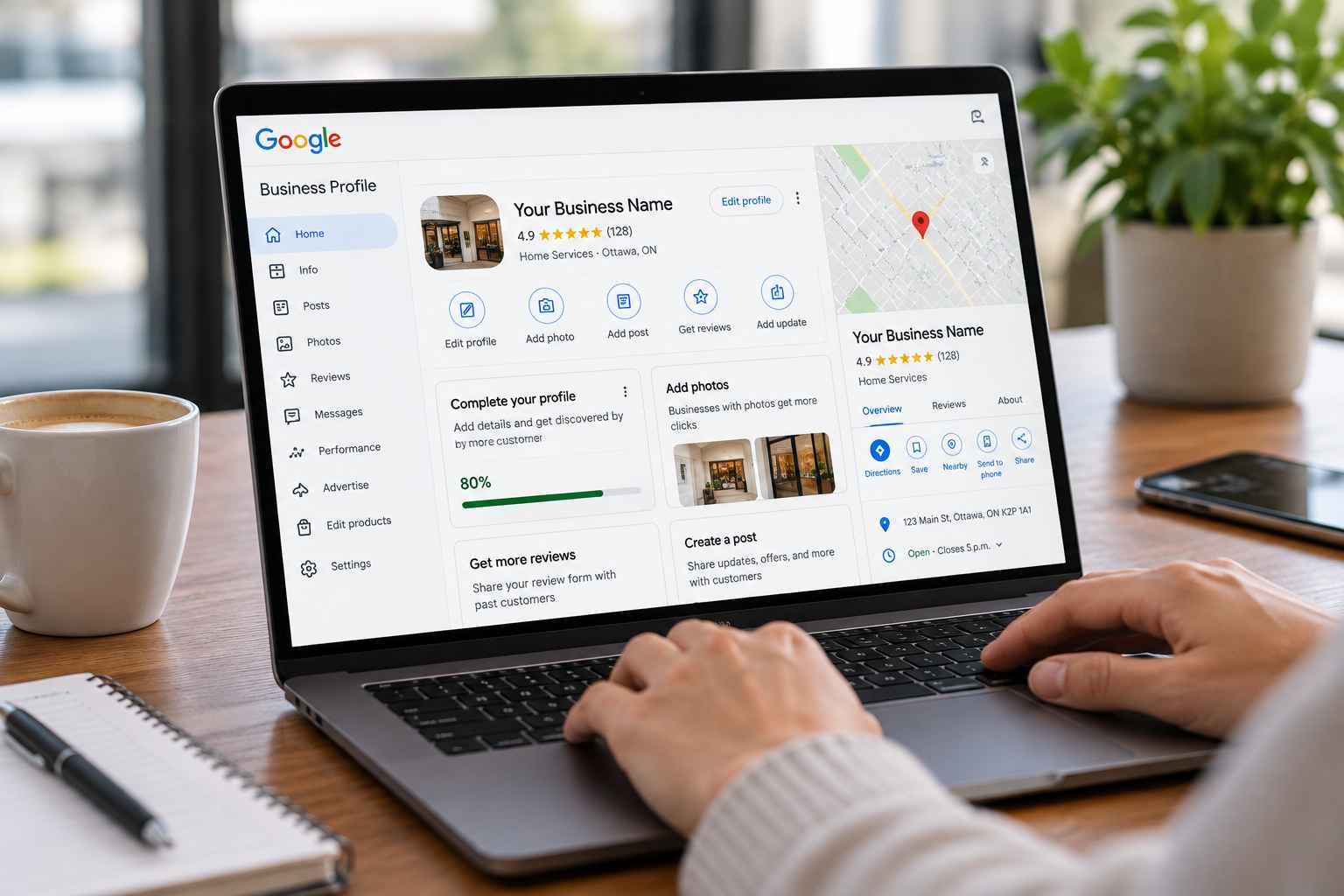
How Do You List Your Business on Google for Free?
To list your business on Google for free, sign in to Google Business Profile (formerly Google My Business), enter your exact legal business name, select your primary industry category, configure a storefront address or Service-Area Business (SAB) radius, add your phone number and website URL, and complete Google Video Verification. Once verified, your business appears across Google Search, Google Maps, the Local 3-Pack, and Google AI Overviews.
Explore Done-For-You GBP Management →
Get a Free Local SEO & GBP Audit
Creating Your Google Business Listing & Profile Just Got Easier

If you’re wondering how to list your business on Google, claiming and optimizing your free Google Business Profile (GBP) is the single highest-ROI action you can take to boost local visibility, phone calls, and foot traffic. With Google commanding over 90% of global search volume—and powering local recommendations across Google Maps, Apple CarPlay/Android Auto, and generative AI platforms—your Google listing acts as your digital storefront.
As you provide accurate information about your company, those details automatically populate across Google Search, Google Maps, the Local 3-Pack, and voice search assistants. Whether you run a brick-and-mortar clinic, retail shop, law firm, or a mobile home-service company that travels to customers, our Local SEO specialists have updated this complete 2026 step-by-step guide to walk you through setup, modern video verification, Map Pack ranking factors, and AI search optimization.
Why Listing Your Business on Google Matters in 2026

Google Business Profile is a free business listing platform provided by Google for businesses that have direct in-person contact with customers—either at a physical storefront or by visiting customers at their location. (Purely online businesses without local in-person service should instead leverage Organic SEO and Google Ads.)
Before you create a Google Business Profile, it helps to understand the three biggest ways a verified listing grows your revenue:
1. Capture High-Intent “Near Me” & Google Map Pack Traffic
When local customers search for services like “plumber near me,” “emergency dentist in Ottawa,” or “best SEO agency near me,” Google displays the Local 3-Pack (Map Pack) above traditional organic website links. Listing your business on Google—and pairing it with a strong Local SEO strategy—puts your phone number, directions, hours, and website link right at the top of mobile and desktop search results.
2. Build Instant Customer Trust Through Verified Google Reviews
Before hiring any contractor, professional service, or local shop, modern buyers check your star rating and read recent reviews. Verified Google reviews act as powerful social proof AND serve as one of Google’s strongest local ranking signals. Businesses that consistently earn 5-star reviews—and reply to every review with helpful context—convert significantly more searchers into booked customers.
3. Feed AI Search Engines (ChatGPT, Gemini & Google AI Overviews)
In 2026, Answer Engine Optimization (AEO) relies heavily on verified entity data. Google AI Overviews, Gemini, and voice assistants pull your operating hours, service list, attributes, pricing cues, and review sentiment directly from your Google Business Profile to decide which local companies to recommend.
Storefront vs. Service-Area Business (SAB): Which Setup Do You Need?
One of the most common mistakes business owners make when listing their business on Google is choosing the wrong address configuration—which can trigger an immediate Google Business Profile suspension. Use this comparison table to choose the right setup before you begin:
| Feature / Rule | Brick-and-Mortar Storefront | Service-Area Business (SAB) | Hybrid Business |
|---|---|---|---|
| Who It’s For | Retail stores, restaurants, dental/medical clinics, law offices, salons | Mobile plumbers, roofers, locksmiths, landscapers, home-based consultants | Contractors or agencies with a staffed showroom/office who also visit clients |
| Public Street Address | Shown publicly on Google Maps | Hidden (street address is cleared after verification) | Shown publicly + up to 20 service areas listed |
| Signage Requirement | Permanent exterior & interior business signage required | No storefront signage required (branded vehicle/tools & business license shown instead) | Permanent exterior signage required at the office/showroom |
| Service Radius Rule | Customers travel to your location | Up to 20 cities, postal/zip codes, or counties (within ~2 hours drive) | Both in-office visits and local dispatch radius |
Step-by-Step Guide: How to List Your Business on Google in 2026
Creating a Google Business Listing takes about 15 minutes to submit, followed by verification. Follow these six steps carefully to ensure your profile is 100% compliant and optimized to rank from day one.
Step 1: Sign In to Google Business Profile & Check for Existing Listings

Use a Business Domain Google Account: Begin by visiting google.com/business and signing in with a Google account connected to your company domain (for example, [email protected]) rather than a personal Gmail address. Using a domain email linked to Google Search Console builds immediate trust with Google’s automated verification systems.
Search Before Creating a Duplicate: Click Manage Now and type your business name into the search field. You’ll see existing matches from Google Maps alongside the option to Add your business to Google. If an unclaimed pin already exists for your company, claim that listing rather than creating a duplicate.
Step 2: Enter Your Exact Legal Business Name & Primary Category
- Exact Real-World Business Name: Input your business name exactly as it appears on your storefront signage, legal registration, and website header. Do not stuff extra city names or keywords into your business title (unless they are part of your registered legal/DBA name), as keyword stuffing is the #1 trigger for profile suspensions.
- Choose the Most Specific Primary Category: Your Primary Category is the single strongest category ranking signal in Google Maps. For example, select “Roofing Contractor” instead of just “Contractor,” or “Dental Clinic” / “Cosmetic Dentist” depending on your core focus. Once verified, you can add up to 9 additional secondary categories.
Step 3: Configure Your Physical Storefront Location or Service Area
- Physical Location Details (Storefronts): If customers visit your office, clinic, or retail shop during business hours, select Yes and enter your exact street address and suite number.
- Service-Area Businesses (Mobile & Home-Based): If your business operates without a public storefront (for example, you travel to clients’ homes or job sites), select No and specify up to 20 cities, suburbs, or postal/zip codes you serve within a 2-hour driving radius. Never use a P.O. Box, UPS Store mailbox, or unstaffed virtual office address.
Step 4: Provide Consistent Contact Details & Website URL
- Local Phone Number: Add your primary local phone number so mobile customers can tap to call you directly from the Google Map Pack.
- Website URL Alignment: Enter your main website URL (or the specific city page if you manage multiple locations). Make sure the Name, Address, and Phone Number (NAP) in your website footer match your Google Business Profile character-for-character.
Step 5: Complete 2026 Google Business Verification (Video, Live Call, or Phone/Email)

To protect Google Maps from fake listings, Google requires every business to verify ownership using a real physical address (even if your address will be hidden publicly as a Service-Area Business). While legacy 5-digit paper postcards have been largely retired, Business Video Verification is now Google’s standard verification method in 2026.
How to Pass Google Video Verification on the First Try (1–2 Minute Unedited Video): Using your smartphone directly inside the Google verification screen, record one continuous, unedited video showing:
- Location Context: Start outside showing the street sign, building number, nearby businesses, or your parked work vehicle.
- Business Signage or Equipment: Show your permanent exterior/interior signage (for storefronts) OR your branded work van, tools, equipment, and marketing materials (for Service-Area Businesses).
- Proof of Management: Film yourself unlocking the front door or service vehicle with a key, accessing your point-of-sale (POS) system, or displaying an official business registration/utility bill matching your business name.
| 2026 Verification Method | Typical Approval Time | What You Need Ready |
|---|---|---|
| Business Video Recording (Standard) | 1 to 5 Business Days | Smartphone + continuous 90-second video of street sign, signage/van, and unlocking door/POS |
| Live Video Call With Google Support | Immediate (During Call) | Live walkthrough showing exterior street context, workspace/equipment, and management proof |
| Phone / SMS or Domain Email Code | Instant (5 Minutes) | Available primarily for established brands with verified Google Search Console & domain emails |
Step 6: Customize & Optimize Your Profile for Map Pack & AI Search

Creating your listing is only the starting line—fully populating every section of your Google Business Profile directly inside Google Search (In-Search Management) is what pushes you into the top 3 of Google Maps:
- Operating Hours & Holiday Hours: Clearly state your regular operating hours and holiday hours so Google marks your business as “Open” when customers search.
- 750-Character Business Description: Write an informative description highlighting what your business offers, primary cities/suburbs served, years in business, and what sets you apart.
- Custom Services & Products Catalog: Add every specific service you offer under your primary and secondary categories—complete with descriptions and starting prices where applicable.
- High-Resolution Photos & Short Videos: Upload at least 10–15 real photos of your team, storefront or service vehicles, equipment, and completed jobs. Profiles with regular photo updates receive up to 42% more direction requests and 35% more website clicks.
- Weekly Google Posts & Schema Sync: Publish weekly updates or offers on your profile, and add
LocalBusinessJSON-LD schema markup to your website matching your exact GBP details so Google and AI engines connect your entity seamlessly.
Maximize Your Google Maps & Local SEO Rankings With Profit Parrot

Listing your business on Google gets you on the map—but ranking in the Top 3 of the Google Map Pack ahead of entrenched local competitors takes ongoing optimization, citation building, review velocity, and localized website content.
At Profit Parrot Marketing, our senior-led team offers done-for-you Google Business Profile Management (starting at $600/month) and full-funnel Local & Organic SEO packages on 100% month-to-month terms:
- Done-For-You GBP Setup, Verification & Recovery: We guide you through verification, fix category and NAP issues, and resolve suspended or duplicate profiles.
- Weekly Geo-Targeted GBP Posts & Service Silos: Our in-house team publishes weekly updates, optimizes your Services/Products catalog, and builds local citations across top directories.
- Local Landing Pages & White-Hat Backlinks: We pair your Google Business Profile with high-converting city/service pages and manual white-hat link building.
- AI Search Optimization (AEO / GEO): We structure your website and GBP entity signals so ChatGPT, Perplexity, Gemini, and Google AI Overviews recommend your business first.
Want Your Business Ranking in the Top 3 on Google Maps?
Request a free Google Business Profile & Local SEO Audit today. We’ll inspect your categories, local citations, rankings, and top 3 Map Pack competitors—with zero lock-in contracts.
Book a Free Consultation →
Get a Free Local SEO Audit
Contact Our Team
What Our Clients Say About Our Local SEO & GBP Services
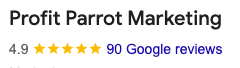
See why over 90 business owners across Canada and the United States rate Profit Parrot 4.9★ on Google for Local SEO, Google Business Profile optimization, and lead generation:


Frequently Asked Questions: How to List Your Business on Google
1. Is it completely free to list my business on Google?
Yes. Creating, verifying, and managing a Google Business Profile is 100% free. Google never charges a fee to list your company on Google Search or Google Maps. Many businesses choose to partner with a Google Business Profile management agency to handle weekly posts, local citations, review strategy, and Map Pack ranking optimization.
2. Can I list my business on Google without showing my home address?
Yes! If you work from home or travel to customers’ locations (such as a plumber, electrician, roofer, locksmith, or mobile consultant), you can set up your profile as a Service-Area Business (SAB). During Step 3, toggle off the storefront address option and select up to 20 cities or postal/zip codes you serve. Your residential street address remains completely hidden from the public.
3. How long does Google take to verify a new business listing in 2026?
Most Business Video Verifications are reviewed and approved by Google within 1 to 5 business days. If your domain is already verified in Google Search Console and eligible for phone, SMS, or domain email verification, your listing can go live in under 10 minutes.
4. Why did Google ask for a video verification instead of mailing a postcard?
Google phased out 5-digit paper postcards for most categories to prevent fake mailbox listings on Google Maps. A continuous 1-to-2-minute smartphone video showing your exterior street sign, branded vehicle or signage, and proof of management (such as unlocking your door or service van) is now the standard verification method.
5. Why is my verified Google Business Profile not showing up in the Top 3 Map Pack?
Verification simply makes your profile eligible to appear. Google ranks the Local 3-Pack based on three core pillars: Relevance (your primary/secondary categories, services, and website landing page content), Distance (proximity to the searcher), and Prominence (your Google review count/velocity, local directory citations, and website backlink authority).
6. What causes a Google Business Profile to get suspended right after setup?
The most common causes of suspension are stuffing extra keywords or city names into your business title, using a P.O. Box / UPS Store / virtual office address, creating multiple duplicate listings for the same business, or having mismatched NAP details between your profile, website, and business registration. Read our Google Business Profile compliance guide for full details.
7. How much does professional Google Business Profile management cost?
At Profit Parrot, standalone Google Business Profile & Map Pack management starts at $600/month (including category tuning, weekly geo-targeted posts, citation building, and review growth), while full Local & Organic SEO + AEO packages range from $1,100 to $2,500+/month—always 100% month-to-month with zero lock-in contracts.
Written by Lark Begin · Co-Founder & Head of SEO / AEO Strategy
Lark Begin is the Co-Founder and Head of SEO & AEO Strategy at Profit Parrot Marketing, an award-winning SEO and digital marketing agency she founded with Jean-Marc Begin (who leads customer relations and sales). With over 17 years of hands-on experience and certified Semrush Agency Partner status, Lark architects the technical SEO, Google Business Profile, and AI search strategies executed by Profit Parrot’s specialized in-house team to help businesses across Canada and the United States grow their organic traffic and leads.